
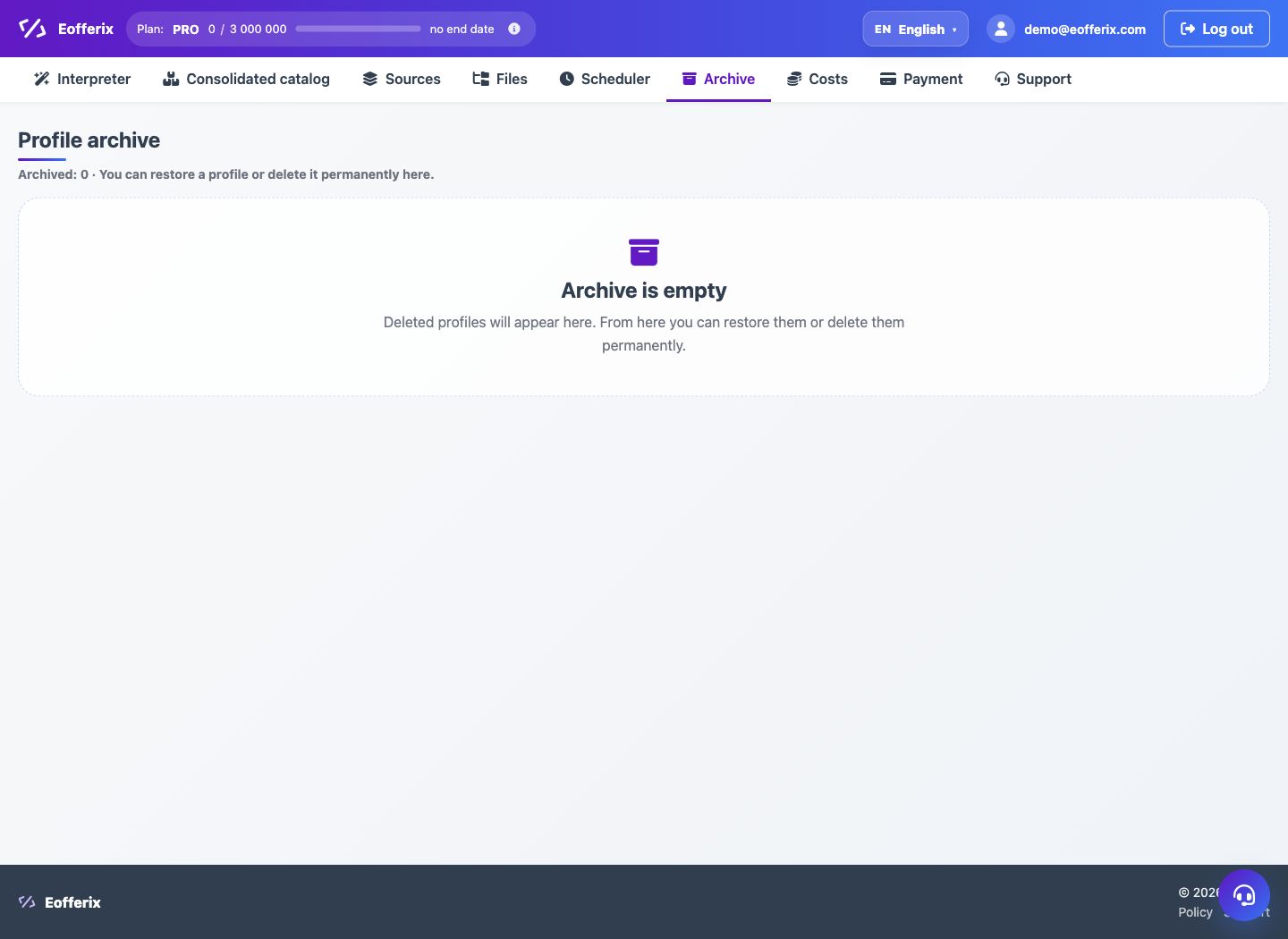
Profile runs save status, time, result file, costs, and diagnostic information. The profile archive helps to temporarily remove a profile from the work list.
When to use
Use history and archive when you need to figure out what was run and why the result changed.
Setting procedure
- Open a profile or list of profiles in the Interpreter.
- Find the last run and its status.
- Open details to see the result file or error.
- If your profile is no longer needed, archive it.
- In the Archive section, restore the profile or delete it permanently.
What to check
- Do not permanently delete a profile if you still need history on it.
- If startup fails, save the error text for support.
- The result file refers to the desired profile version.
Notes
- An archive is not the same as deletion: the profile can be returned.
- History helps you compare tuning versions and results.