
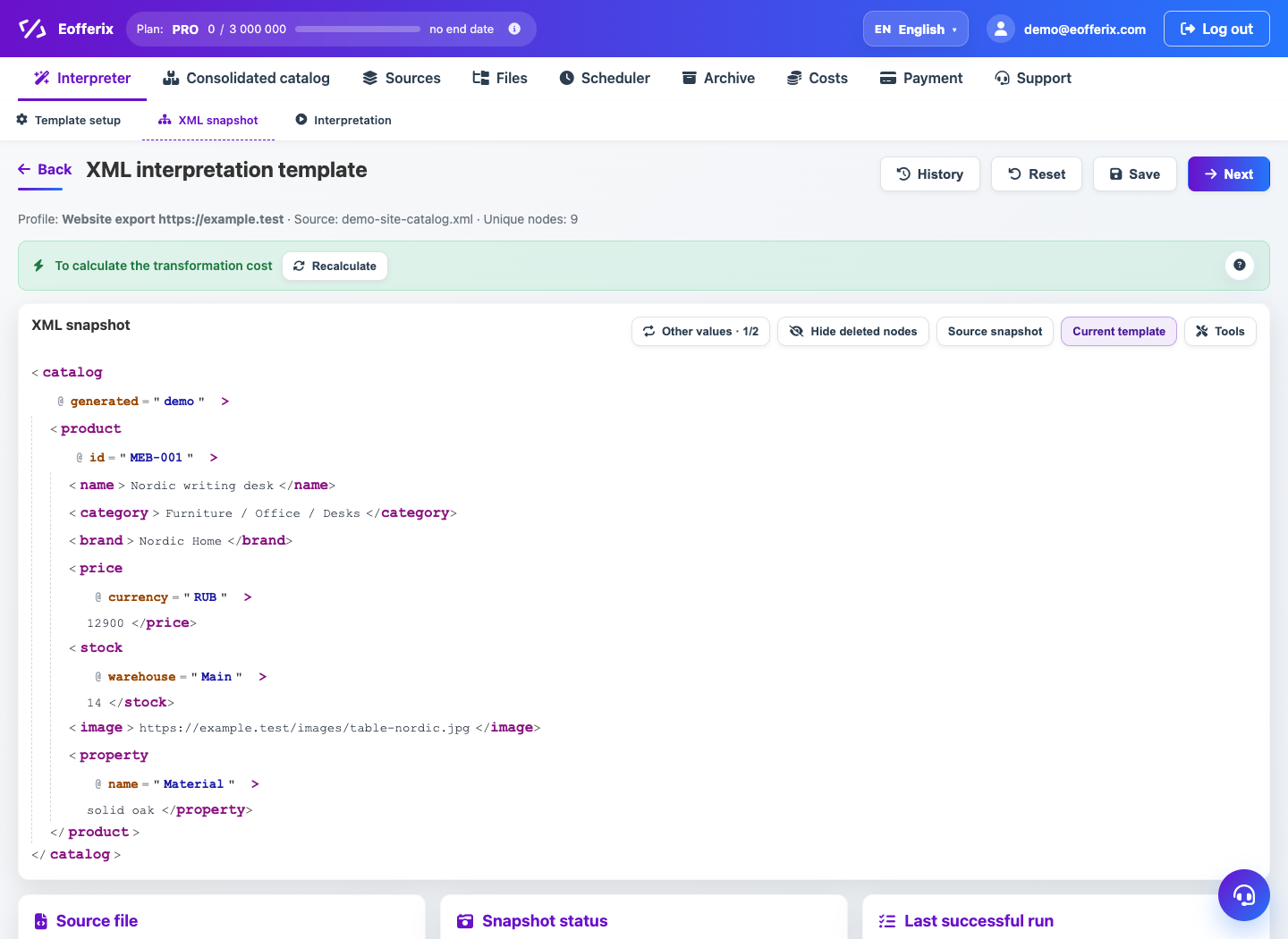
Safe template setup moves from a small check to a full run. First verify source structure, then rules, then the output on a demo sample.
Testing order
- Open the snapshot and make sure the correct XML node, JSON array or table sheet is selected.
- Map a few key fields first: SKU, name, price and stock.
- Use preview to check which values are taken from the source.
- Run a demo and download the test result.
- Check required fields, encoding, nested elements, images and export conditions.
When to run fully
Run the full profile only after the demo file opens correctly for the recipient or passes the external system validation. For large sources, test one category or a smaller sample first.
What to check separately
- For XML and JSON, verify the parent node and product array.
- For XLSX/CSV, verify sheet, header row and skipped service rows.
- For conditions, make sure needed rows are not filtered out.
- For transformations, check empty prices, separators and extra spaces.