
What this page does
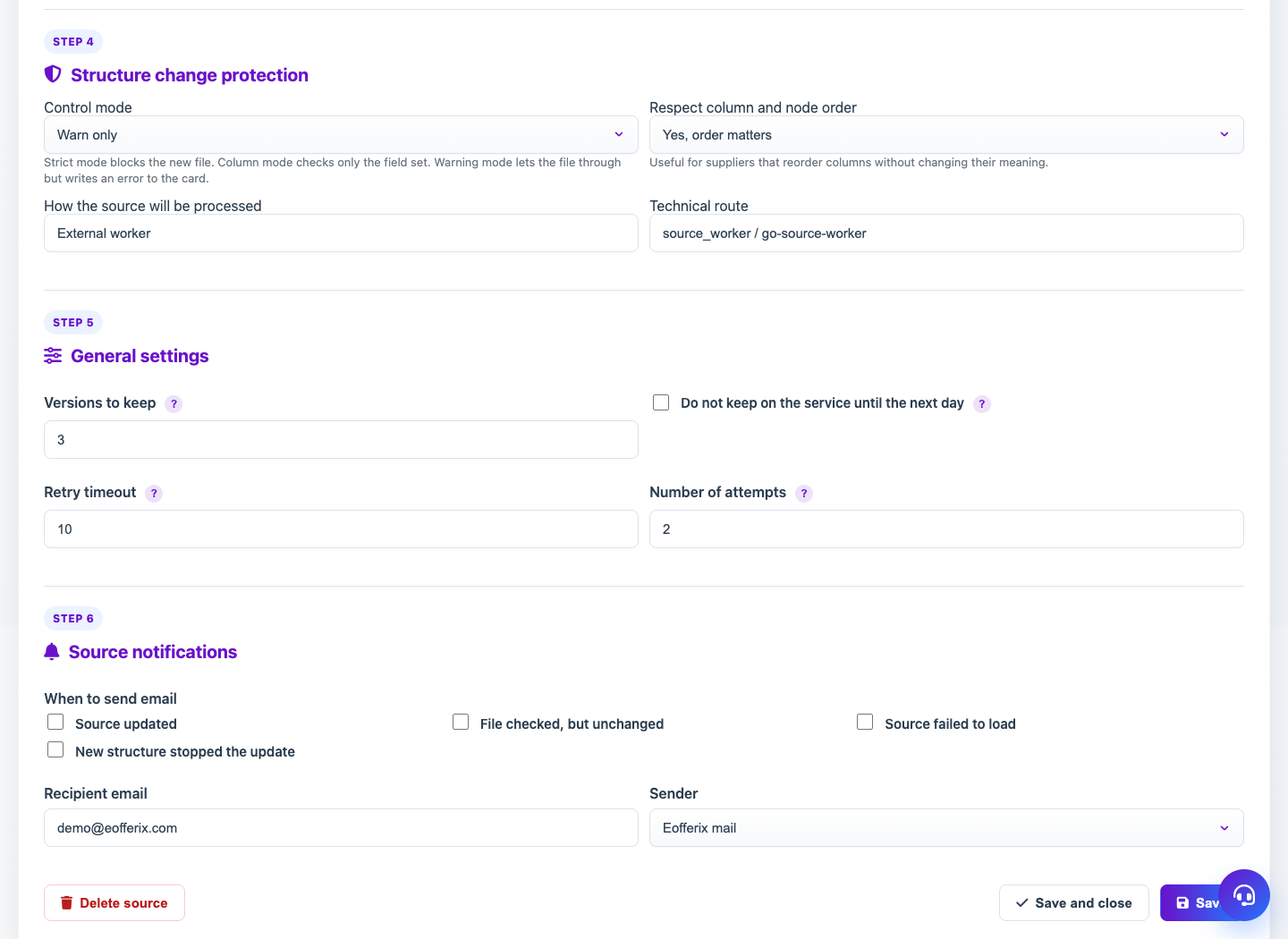
Schema Guard protects profiles from unnoticed input structure changes. If the new file differs from the accepted structure, Eofferix can stop replacing the working version until the user decides.
How to use it
- Receive a new source file.
- If structure changed, open Schema Guard warning.
- Compare fields, sheets or nodes that were added, removed or changed type.
- Accept the new structure if profiles should use it.
- Reject or keep current version if the change is wrong.
Expected result
- Profiles do not break from unexpected supplier changes.
- The user controls when to switch to the new structure.
- After acceptance, snapshot and rules can be updated.
Common issues
- Accepting without review may break old rules.
- Rejecting a needed structure keeps the source on the old version.
- Strict mode is useful for production profiles but needs attention.