
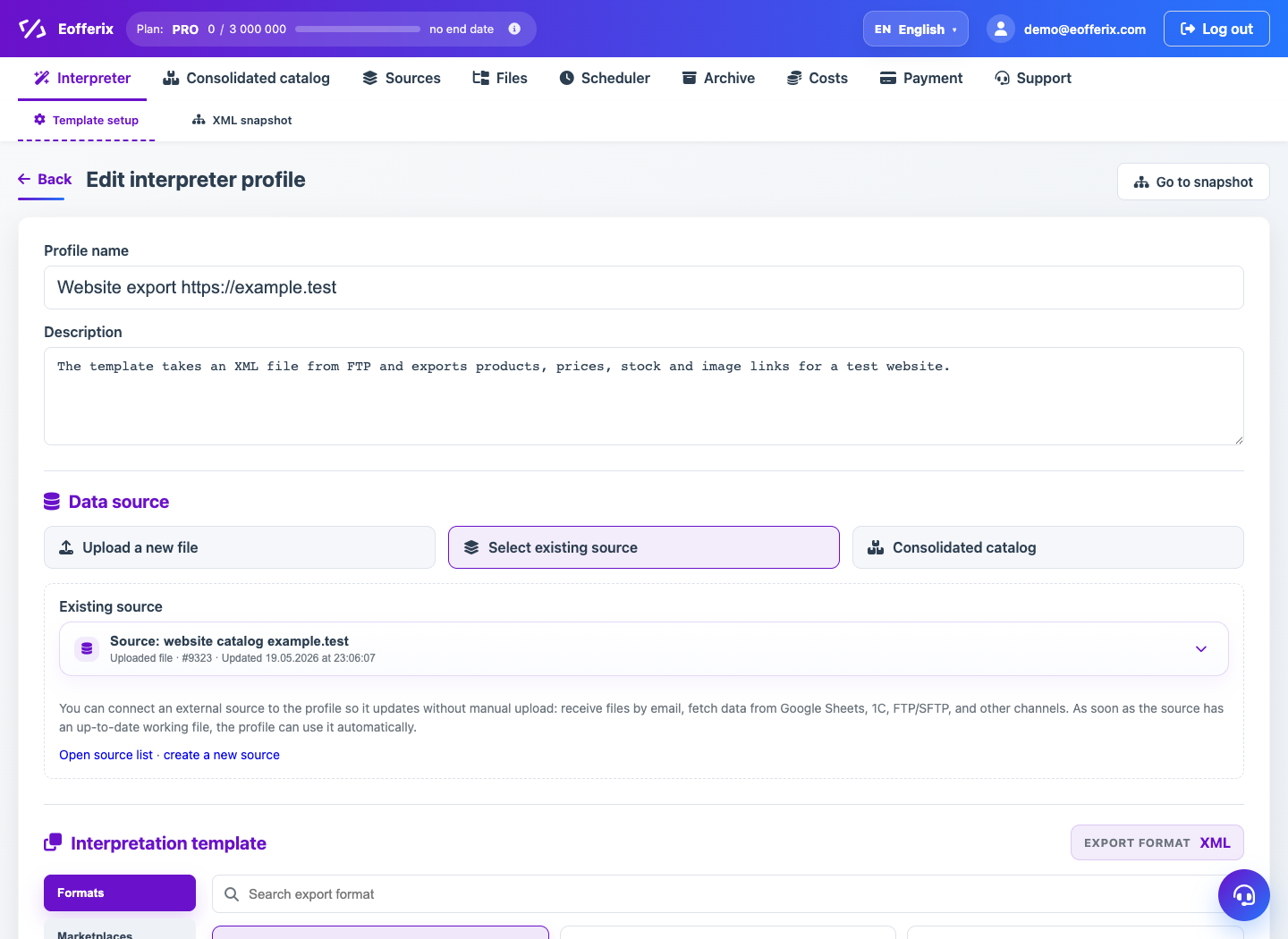
In the Data Source step, the profile can obtain data in three ways: upload a new file, take an existing source, or use a union catalog.
When to use
Use this article when creating your profile to select the correct source data mode.
Setting procedure
- Select Upload new file if you need the profile for a one-time or quick setup.
- Select an existing source if the file is already connected and can be updated independently.
- Select Union catalog if the result needs to be built from a combined product database.
- Check that the selected source has an up-to-date file.
- Once selected, proceed to the interpretation template.
What to check
- For regular processes it is better to use a separate source.
- The union catalog is available as a source when there are already products or offers in it.
- The source format is compatible with the selected editor.
Notes
- The source can be changed, but after changing the structure you need to check the mapping again.
- If the source is preparing in the background, wait until the preparation completes.