
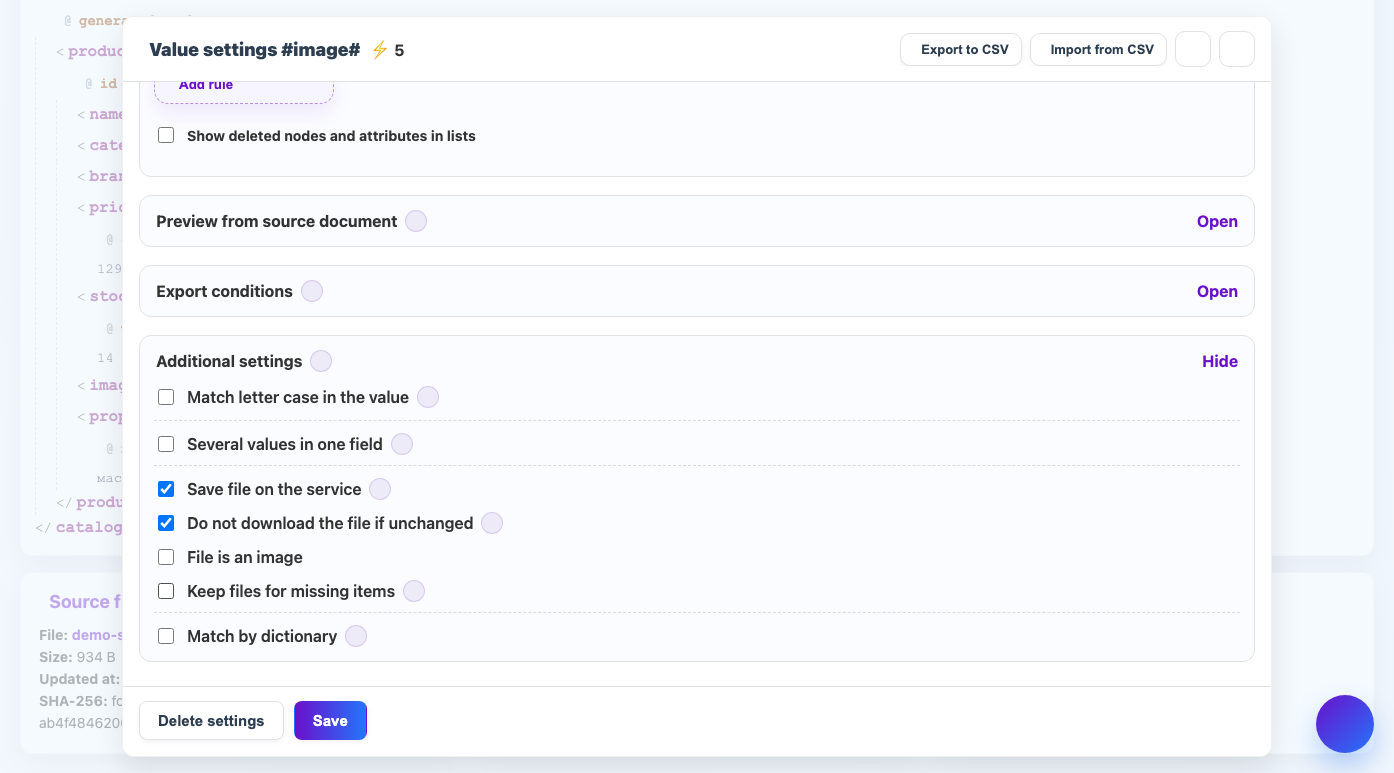
Repeatedly downloading the same images wastes time, space and credits. Eofferix can reuse an already processed file.
When to use
Enable the setting for regular profiles, where the provider sends the same images every day.
How to set up
- Open Image Settings.
- Turn on "Don't upload file if there are no changes".
- Make sure the source allows you to determine whether the file is immutable.
- Do not change processing parameters unless necessary: format, size and watermark affect the result.
- Test the relaunch on a small selection of products.
What will happen
If the file and settings have not changed, the service will take the finished result instead of a new download.
What is important to remember
- If the provider replaced the image using the same link, the service should see the content change.
- Changing the watermark or size requires new processing.