
Some lines should not be included in the result: for example, products without a price, without a balance, or without a required article.
When to use
Settings are needed for price lists, marketplaces, a union catalog and any uploads where empty lines create errors.
How to set up
- Define the field against which the row needs to be checked.
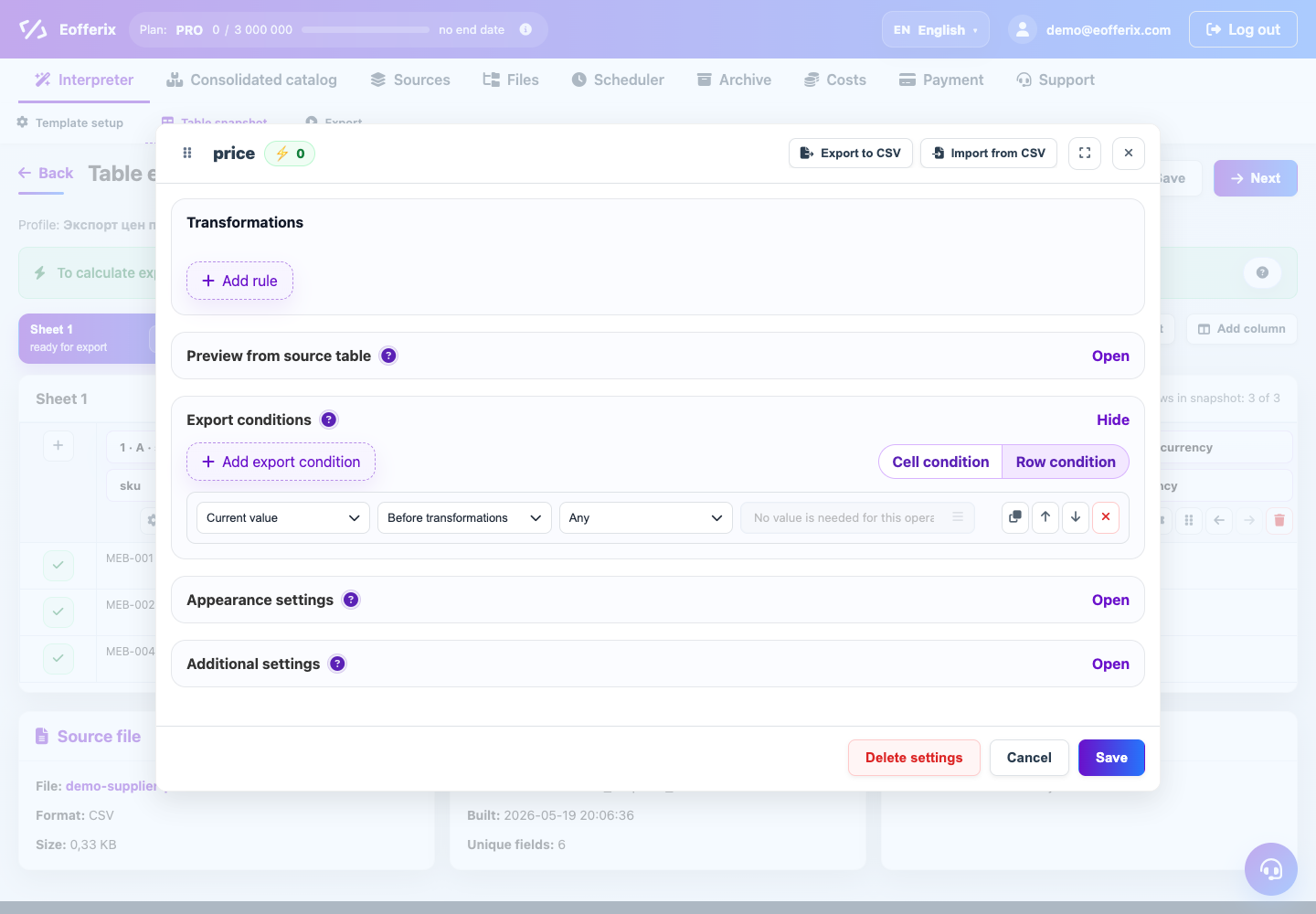
- Open the conditions for unloading an element or row.
- Add the condition: price is greater than 0, the balance is not empty, or the article is full.
- Select the action to skip a line or element.
- Check the total number of rows.
What will happen
The result will only include rows that pass the business conditions.
What is important to remember
- If you only need to remove a field, use the field unload condition.
- If you want to remove an entire product, the condition must be at the line or element level.