
What this page does
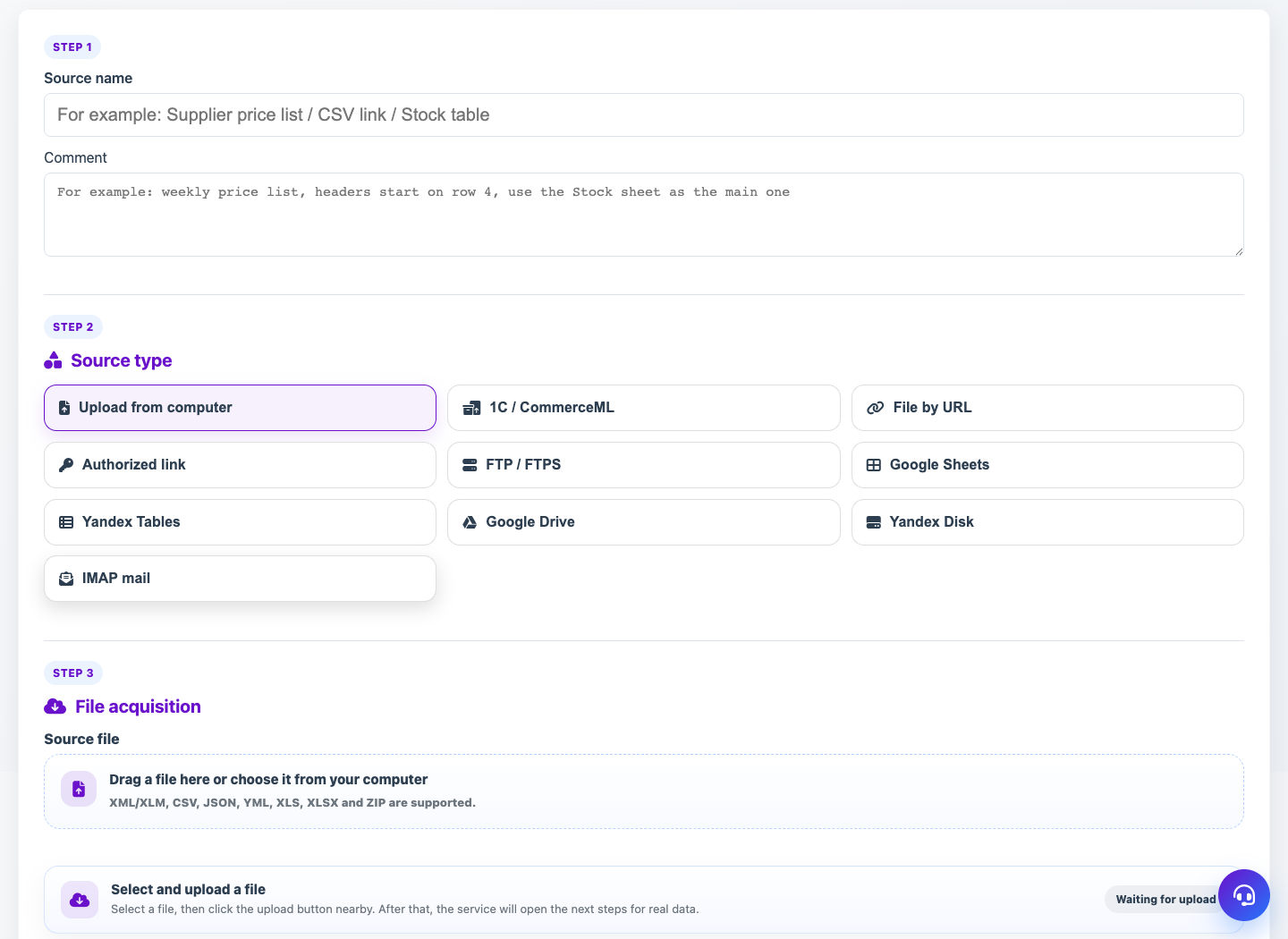
A new source card lets Eofferix receive input data and prepare it for interpretation profiles. The fields depend on the selected source module.
How to use it
- Create a source in the Sources section.
- Choose a module: manual upload, URL, FTP, email, cloud or 1C.
- Fill in connection settings and save the card.
- Receive the file, upload it manually or wait for a push export.
- Check that the source has a working file without errors.
Expected result
- A new active source appears in the list.
- The source has a working file or is waiting for data.
- The source can be selected in an interpretation profile.
Common issues
- Do not expose real passwords in public screenshots.
- If access check fails, verify URL, login, password and network access.
- Large files may take time and be processed in the background.