
What this page does
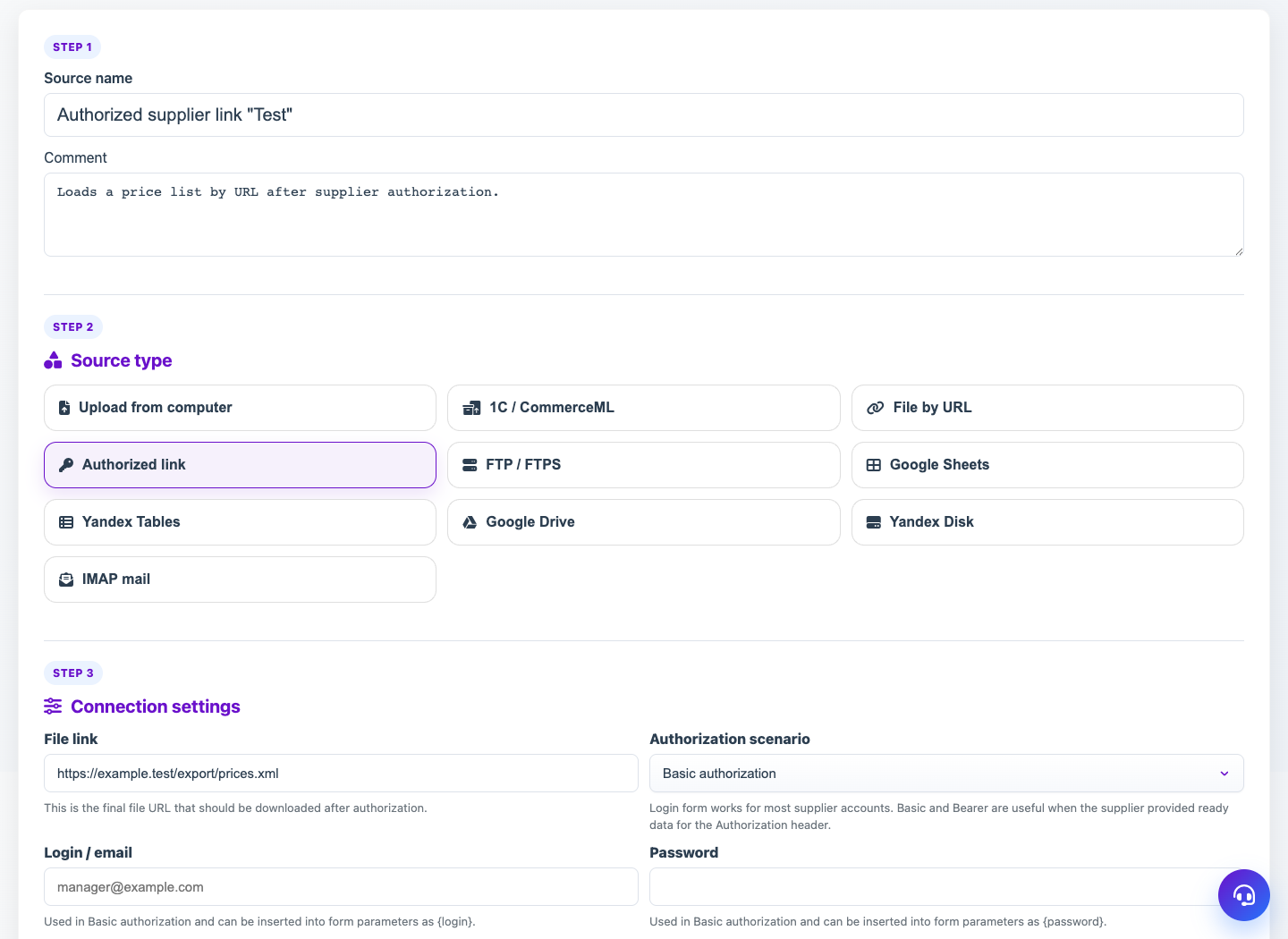
The source card controls how data enters Eofferix and how the service reacts to changes. It contains connection settings, latest file state, schedule and notifications.
How to use it
- Open the source from the list.
- Check the main block and module type.
- Edit connection settings and save.
- In file intake, check access or receive a new version.
- Configure table layout, Schema Guard, schedule and notifications when needed.
Expected result
- The source receives current data according to the selected rules.
- Profiles use the latest accepted working version.
- Connection errors and structure changes are visible in the card.
Common issues
- Changing connection settings may require receiving the file again.
- Strict Schema Guard can block a new structure until confirmation.
- Schedule will not run if the source is paused or the connection fails.