
If the provider renamed columns, changed XML/JSON nesting, or removed a field, the old profile rules may no longer match the required data.
When to use
The article helps when the profile worked yesterday, but today the result is empty, the fields are missing, or the service warns about a change in the structure of the source.
How to set up
- Open the source and get the latest file.
- Compare the preview with the old structure: column names, XML nodes, JSON keys, repeating blocks.
- Open your profile and check the fields that were associated with the changed data.
- Update bindings and transformations only where the structure has actually changed.
- Do a test run on a small example before running regularly.
What will happen
The profile will again read the current structure of the supplier and generate the result without manually editing the file.
What is important to remember
- Don't change all the fields at once: start with those that disappeared as a result.
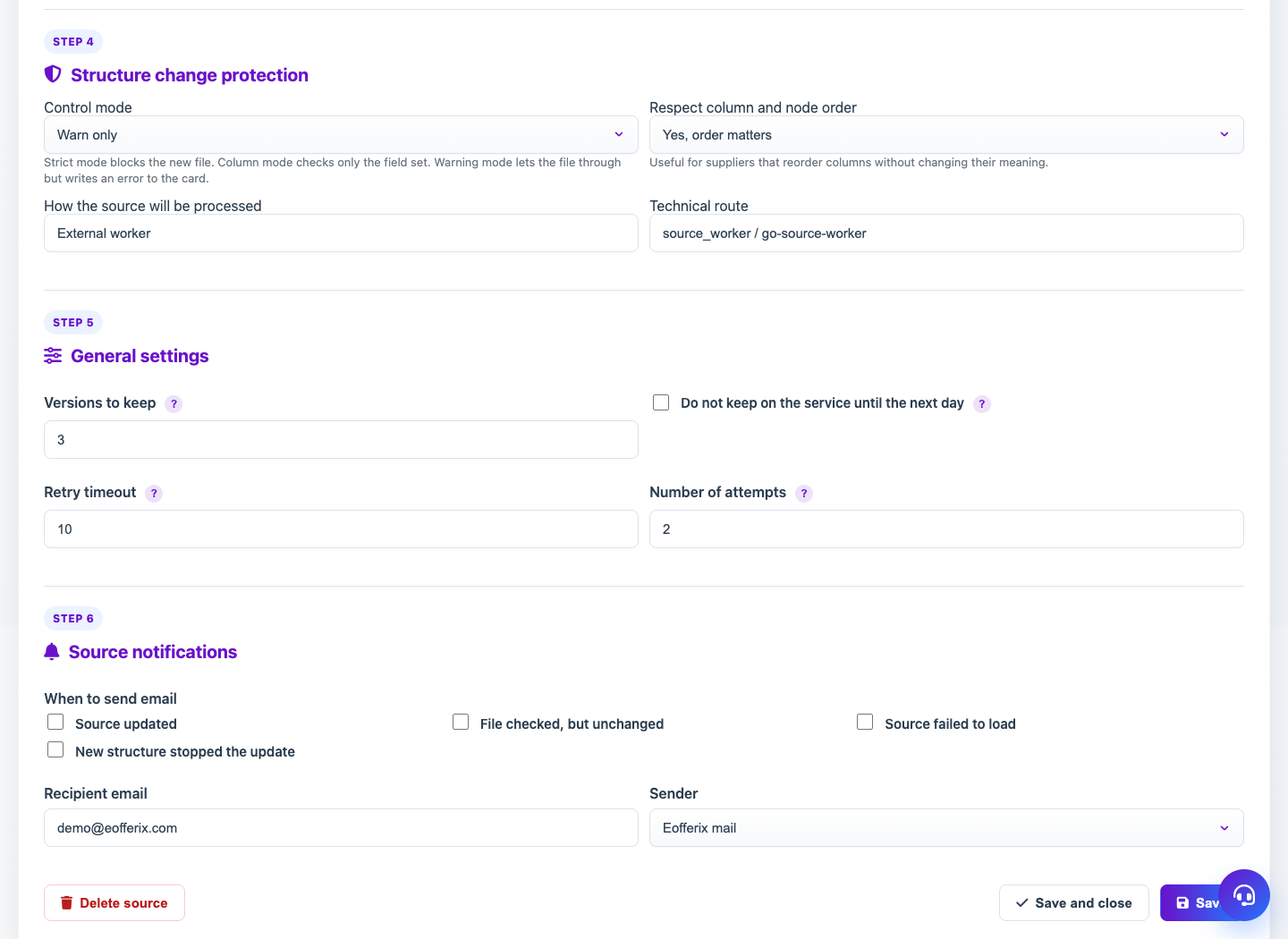
- If the vendor changes format frequently, it is best to enable structure checking and notifications.