
The File by Link module downloads a file from a URL and can update it on a schedule.
When to use
Suitable for suppliers who publish a permanent download link without a login and password.
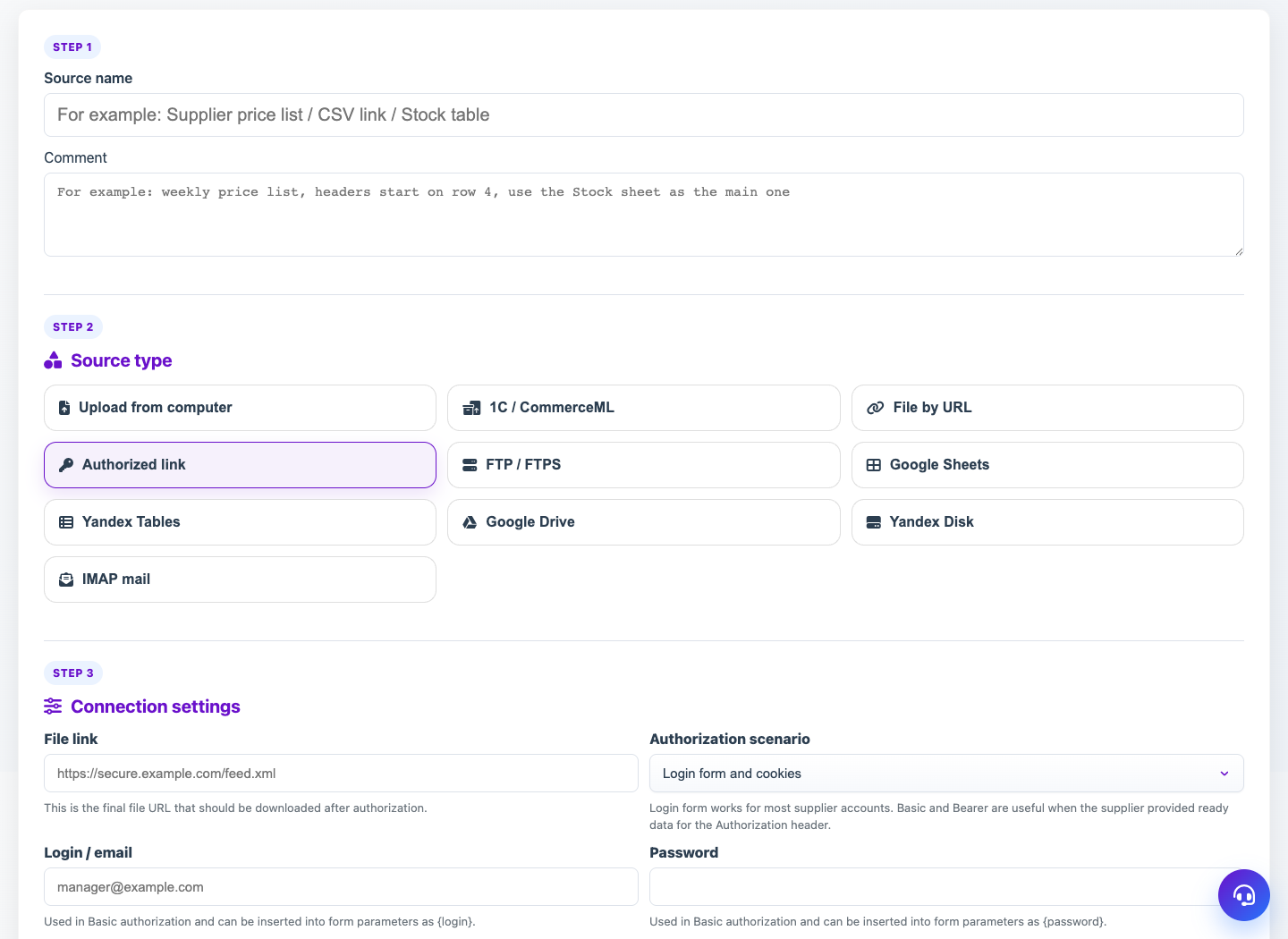
Setting procedure
- Create a source and select File from the link.
- Insert the final link to the file, for example https://example.com/catalog.xml.
- Click Check Access if the button is available for the selected module.
- Click Get file and wait for the successful download.
- Set the download frequency if you want the link to update automatically.
What to check
- The link opens without authorization in a separate browser window.
- The URL points to a file, not just a directory page.
- After receiving the file, the source shows the current version.
Notes
- If the supplier requires login, use the Login Link.
- In case of temporary failures of the external site, it helps to set up retries.