
What this page does
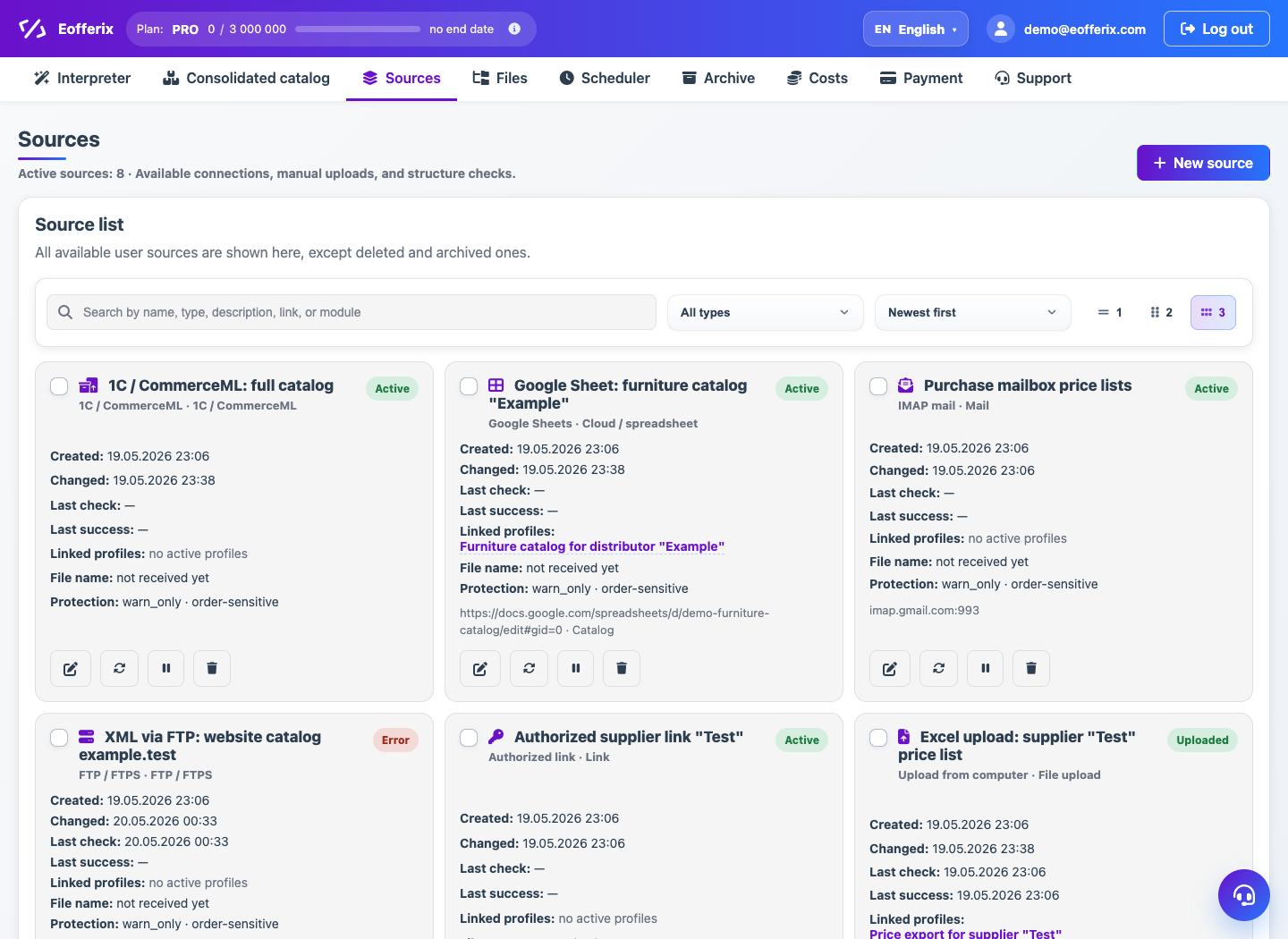
The Sources page lists all user input connections: uploaded files, URLs, FTP, email, cloud sources and 1C. It is the quickest place to inspect source state and open source settings.
How to use it
- Open Sources from the top menu.
- Check the name, type, status and last update date.
- Open a source card to edit settings.
- Run refresh if the source supports repeated intake.
- Archive a source when it is no longer used.
Expected result
- You can see which sources are active and when they were updated.
- Sources with errors or stale files are easier to find.
- Archived sources do not clutter the working list.
Common issues
- If a source is used by profiles, check dependent templates before deleting it.
- Refresh errors are usually explained in the source card.
- For manual upload, refresh means replacing the file manually.