
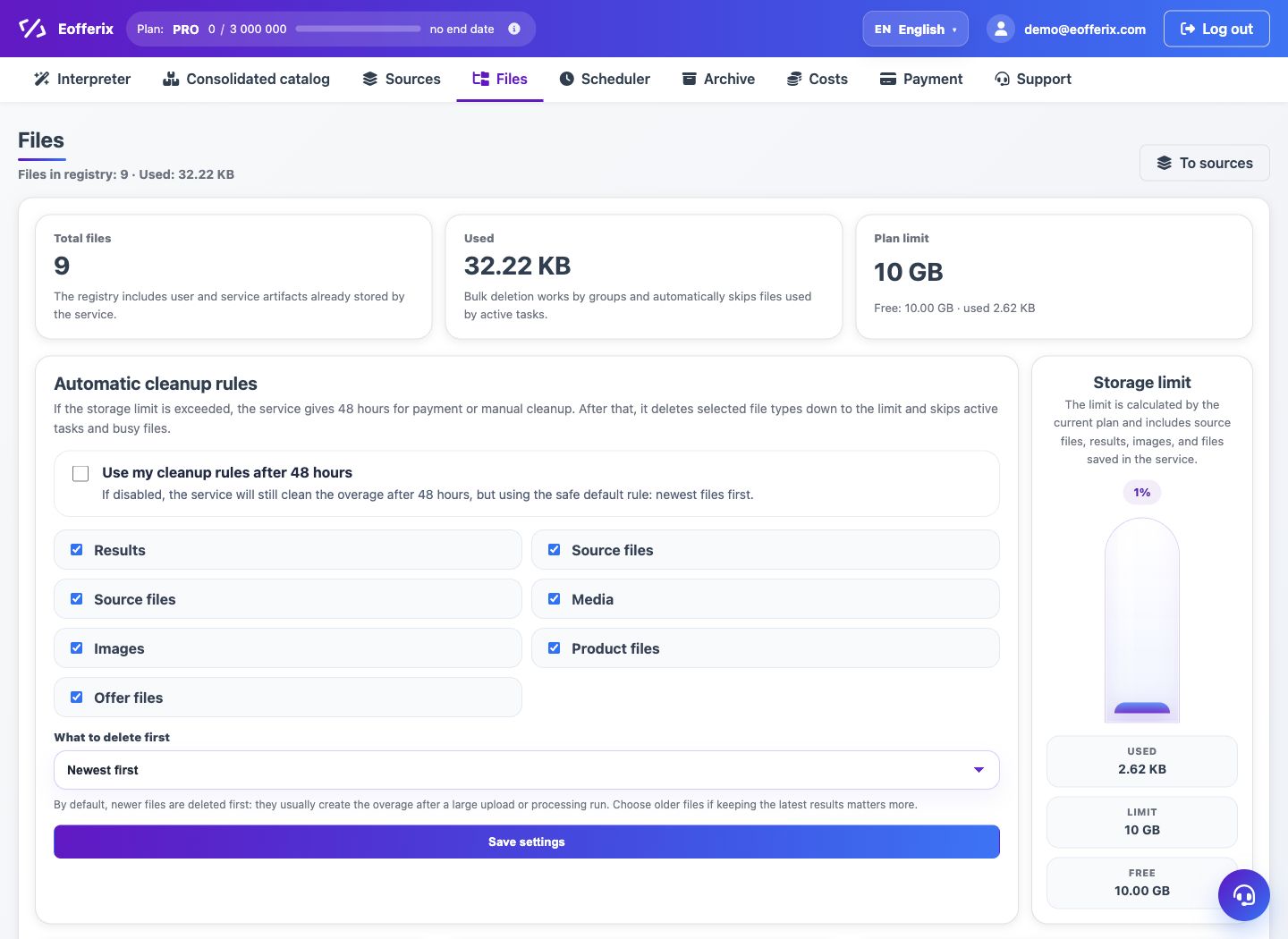
The storage limit shows how much space sources, results, images, documents, and union catalog files take up.
When to use
The article is needed if the service reports that the space has been exceeded, prevents new processing from starting, or blocks the download until the storage is freed.
How to set up
- Open section "Files" and see what types of files are taking up space.
- Delete old results, draft sources, and unnecessary media files.
- If the files are needed for work, download them before deleting.
- After freeing up space, restart the profile or update the source.
- If the process is regular, connect a larger limit or a separate database/server according to the tariff.
What will happen
After cleaning, new sources and profiles will be able to save files again, and regular tasks will continue to work.
What is important to remember
- Deleting a file does not change the profile settings.
- If the file is associated with a historical launch, the launch itself will remain in history, but the deleted file can no longer be downloaded.