
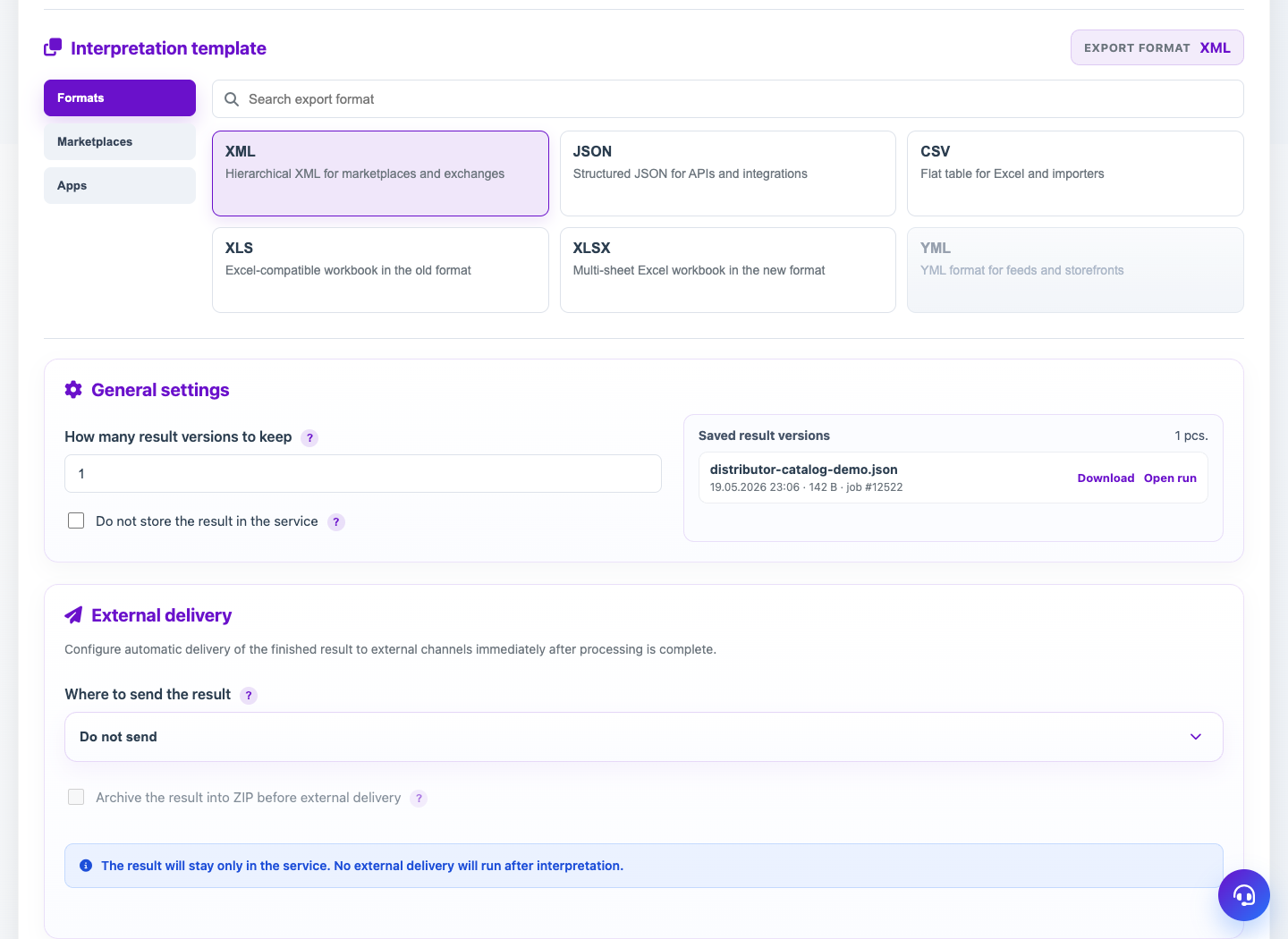
The Union Catalog template uploads products, trade offers and sections into a separate catalog database. The upload interface can be XML, JSON or tabular.
When to use
Use the union catalog profile when supplier data must update a single product database.
Setting procedure
- Create a profile and select a supplier source.
- In the template step, select Union Catalog.
- Select the loading interface: XML, JSON or Tabular.
- Set up identification of products, offers and sections.
- Choose an import preset or manual creation, update and deletion rules.
- Run the import and check the products in the Union Catalog section.
What to check
- Identification rules do not create duplicate products.
- Empty fields are processed as expected: old values are saved or cleared.
- The full snapshot has protective deletion restrictions configured.
Notes
- Importing into a directory does not use external delivery of the result like a regular file.
- First test the import on a small source or through a preview.