
System variables substitute service values without manual entry: launch date, time, launch number or technical identifier.
When to use
They are useful in the file name, service columns, XML tags, and upload version control fields.
How to set up
- Open the result name field or setting.
- Select a variable from the list of available values.
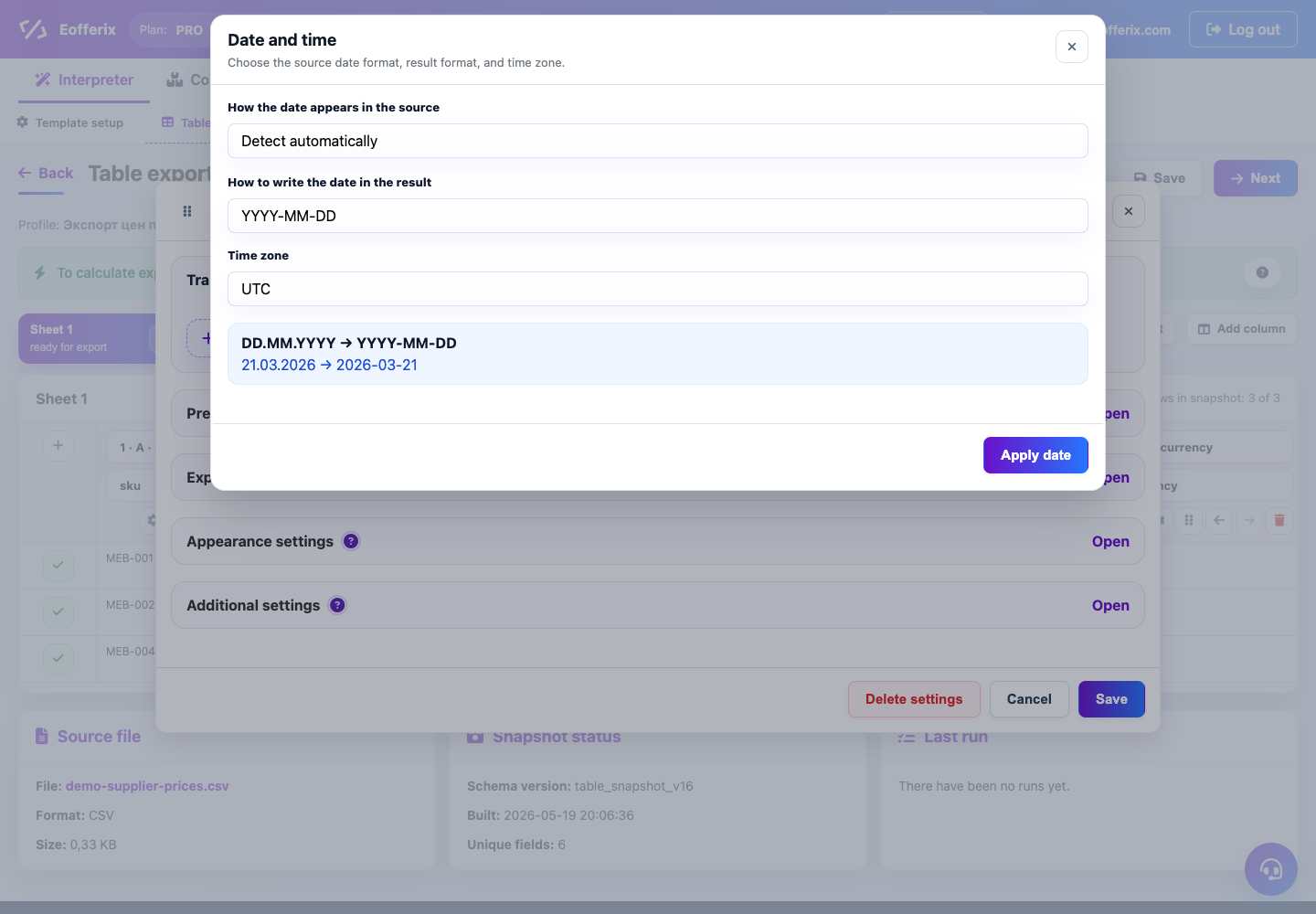
- Specify the date or time format if it is important to the recipient.
- Collect an example of the result in the preview.
- Run the profile again and check that the value changes from run to run.
What will happen
The file or field will automatically receive the current date, time or run number.
What is important to remember
- The date format must match the recipient's requirements.
- For archives, it is better to use date and time so that names are not repeated.