
What this page does
The template page combines the data source, output format, reading rules and run settings. It is the central place for configuring a profile.
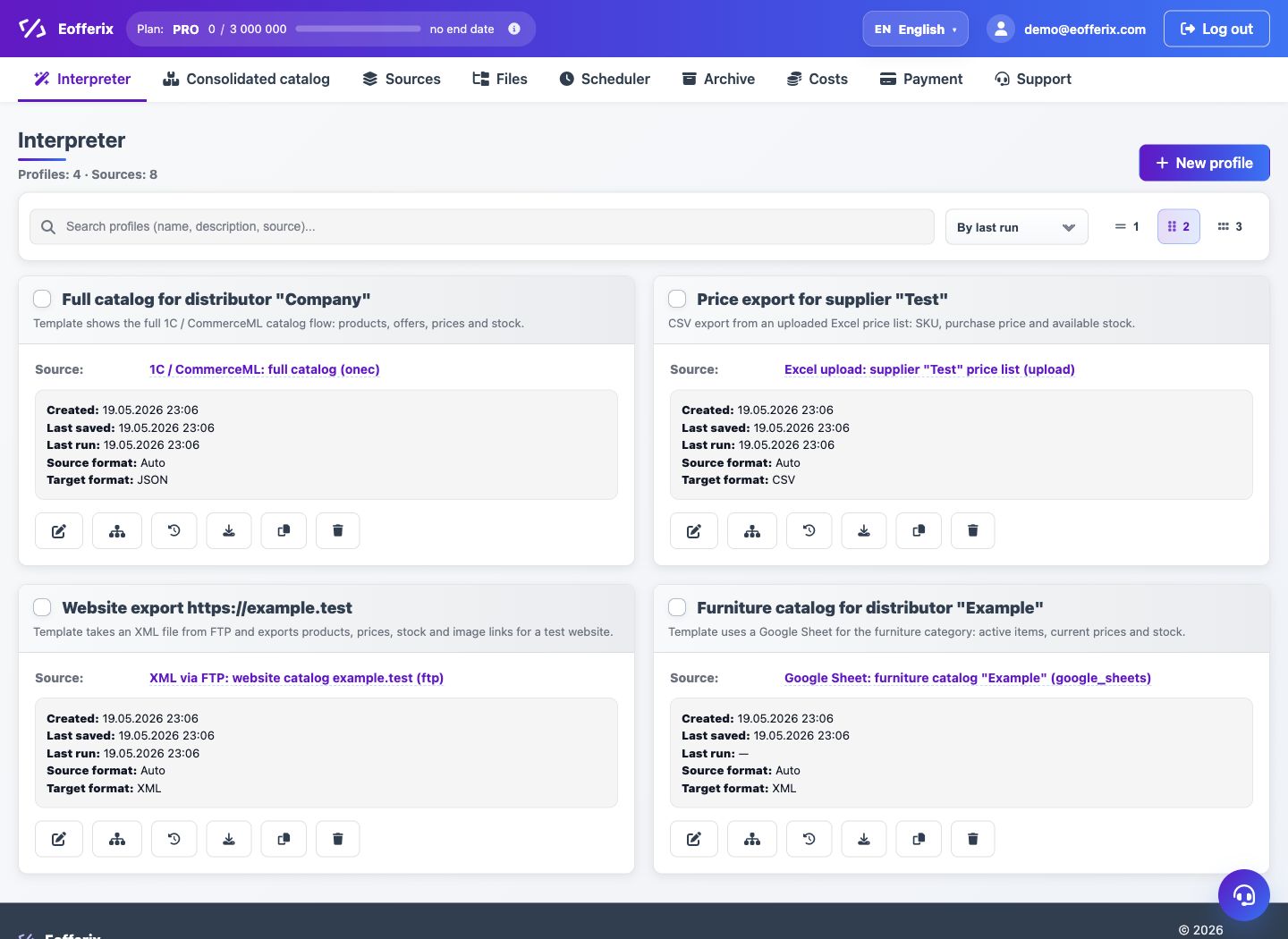
How to use it
- Open Interpreter and create a new profile.
- Choose an existing source or create a new one from the profile.
- Select the output format: XML, JSON, table, marketplace, API or Unified Catalog.
- Save the profile and open the snapshot to inspect the source structure.
- Run a demo or a full export after checking the rules.
Expected result
- The profile stores the source, output format and field settings.
- You can return to the template and change rules without recreating the source.
- After a run, the result appears in task history and can be downloaded.
Common issues
- If there is no source, create or choose one first.
- If the snapshot button is unavailable, check that the source file has been received.
- If credits are missing, open the launch estimate or payment page.