
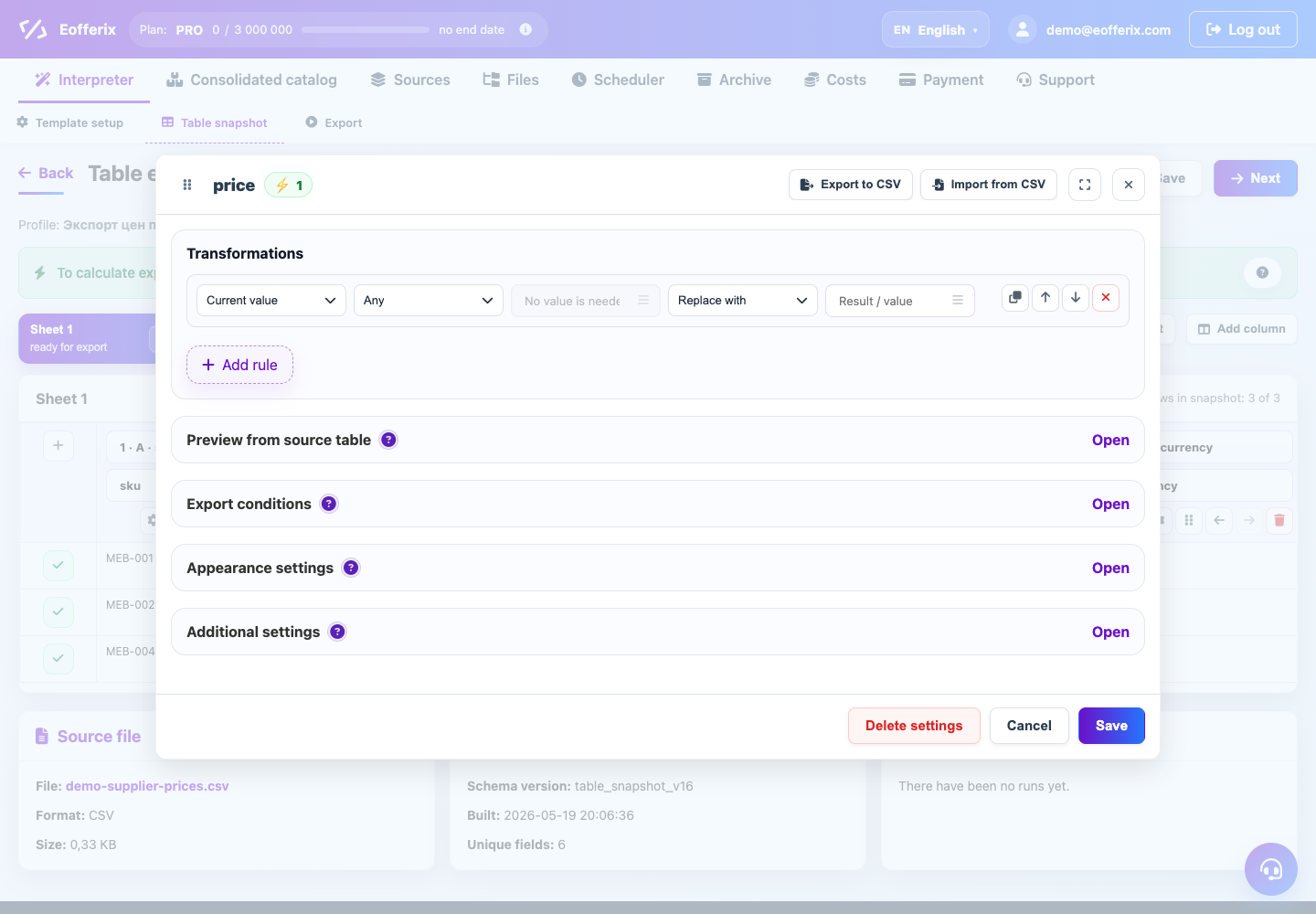
The value settings window opens for one result field: an XML node, a JSON field, or a table column. It contains every rule that affects this value before export.
What the window contains
- Transformations change the value itself: replace, clear, add text, calculate a number, round, or format a date.
- Preview shows the source value and the result after the current rules.
- Export conditions decide whether to export the value or the whole item.
- Additional settings cover variables, multiple values in one field, files, images, and dictionary matching.
Recommended workflow
- Open the settings for the needed result field.
- Add one or more rules in the transformations block.
- Check the result in preview.
- Add export conditions and additional settings when needed.
- Save the window and run a demo export before a full run.
Keep each field readable. If the logic becomes long, create an intermediate variable and reuse it in other fields.