
The profile error may be related to the source, editor setting, rules, insufficient limits, external delivery, or recipient API.
When to use
Use this article if conversion, catalog import, or synchronization fails.
Setting procedure
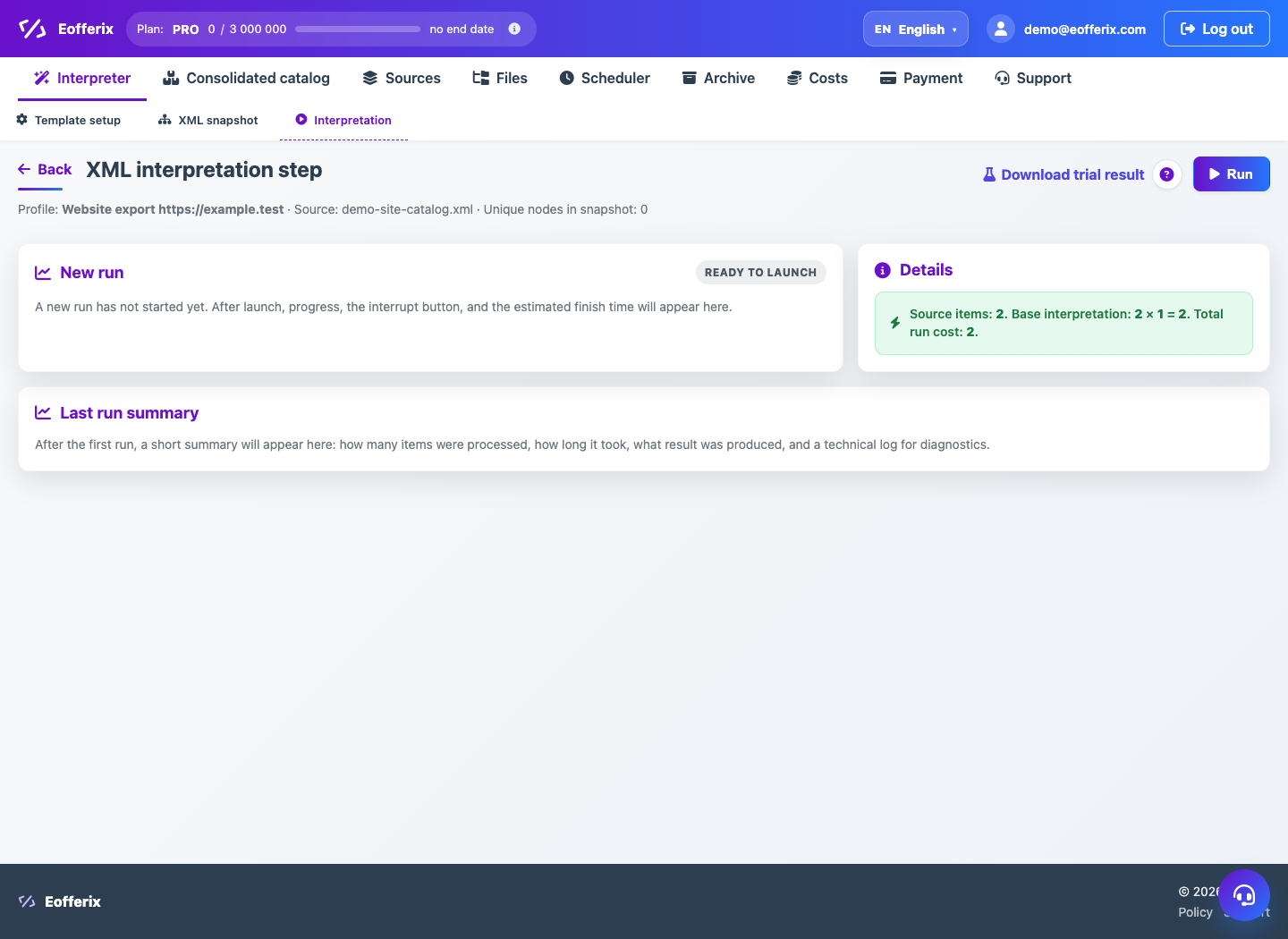
- Open your profile's last run.
- Copy the text of the error and check at what stage it occurred.
- Check the relevance of the source and its structure.
- Run the preview on a small dataset.
- Disable or simplify the latest modified rules for checking.
- If the error is in external delivery, check the channel separately.
What to check
- The source reads without errors.
- The preview reproduces the problem or shows the correct result.
- Fare limits and credits are not exhausted.
Notes
- Do not delete the failed launch before contacting support: it contains useful diagnostics.
- After correcting the rules, save the profile before running again.