
The reason could be scheduling, external server, authorization, changed file structure, or retry policy.
When to use
Use the article if the source should have been updated, but the profile still contains old data.
Setting procedure
- Open Scheduler and find the source task.
- Check the latest result and error message.
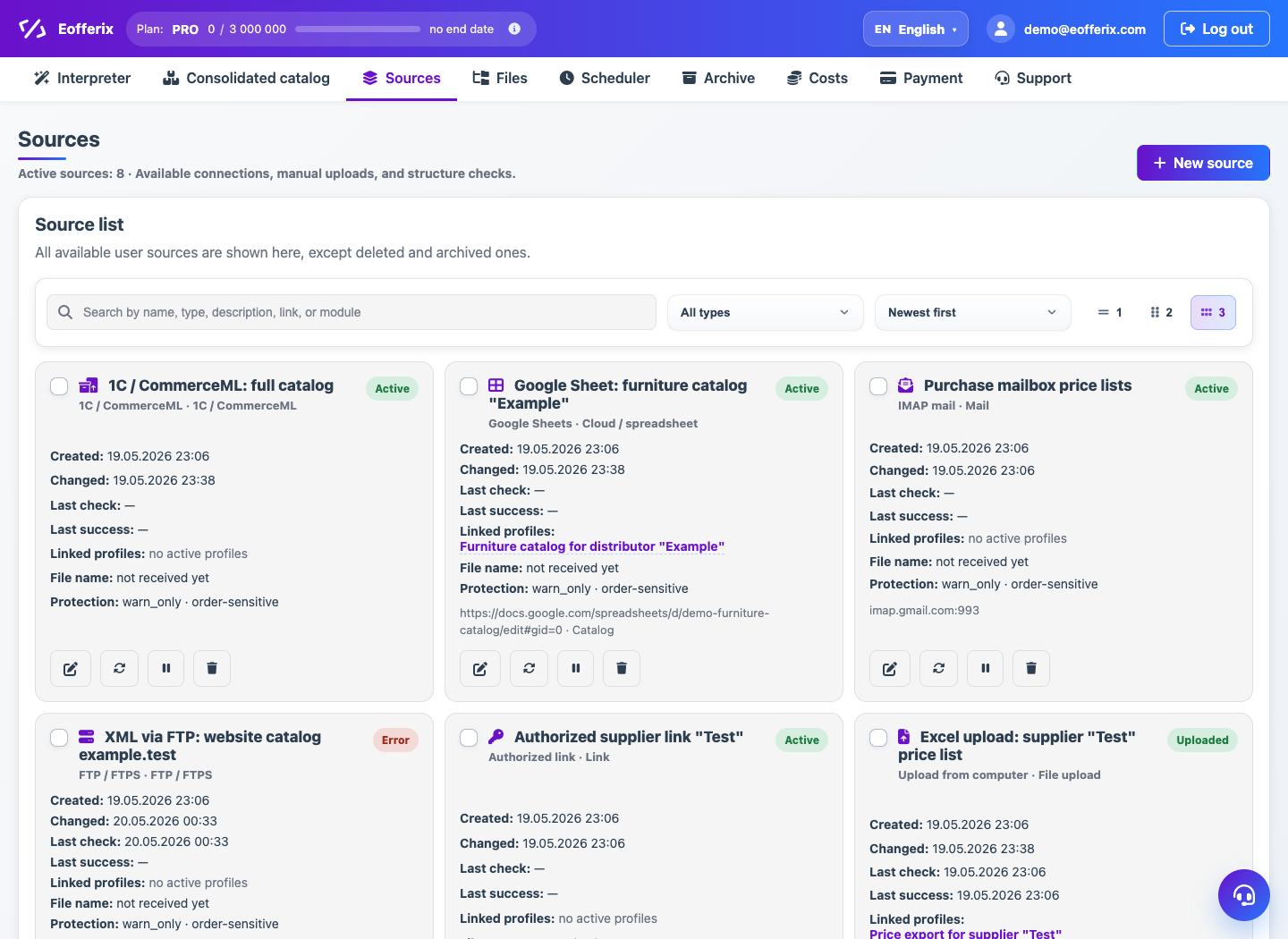
- Open the source itself and click Check access or Get file manually.
- Check the URL, login, password, token or IMAP/FTP settings.
- If the source is stopped by structure protection, open the details of the differences.
- After fixing, run the source again.
What to check
- The schedule is active and the next run has been calculated.
- The external file is available to the service now.
- The new structure is accepted only if the change is expected.
Notes
- If the source has been updated, the profile still needs to be launched separately or on its own schedule.
- In case of temporary failures, configure retries.