
The value of one field can be used to configure another: for example, collect a name from brand, model and color.
When to use
This is necessary when the resulting field depends not on one column, but on several source values.
How to set up
- Open the result field you want to collect.
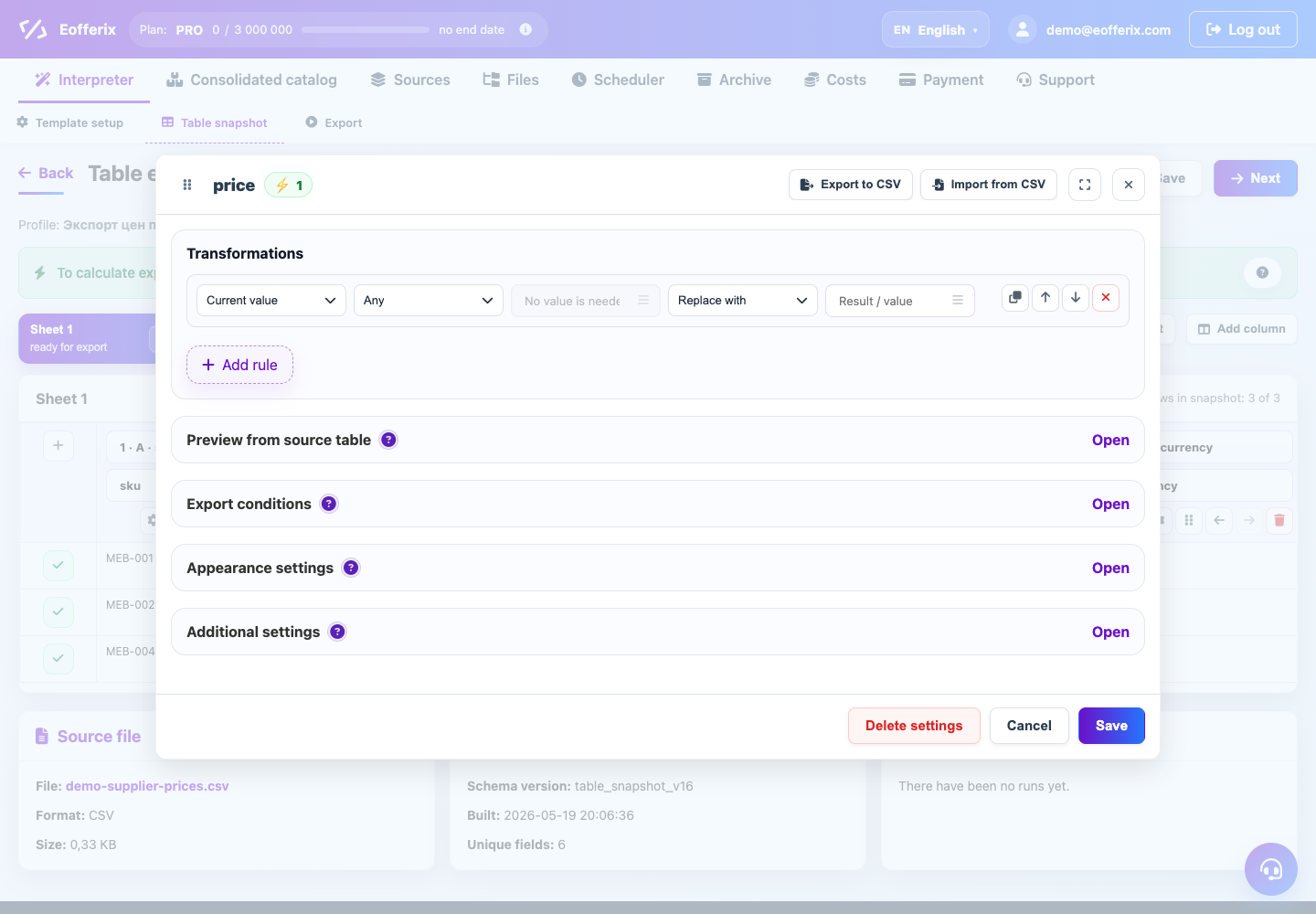
- Add a rule or value pattern.
- Select the adjacent source fields that should be included in the assembly.
- Add separators, text, or conditions for empty values.
- Check several rows with complete and incomplete data.
What will happen
The resulting field will be collected from several source values automatically.
What is important to remember
- Empty adjacent fields are best processed separately.
- If the order is important, specify it explicitly in the template.