
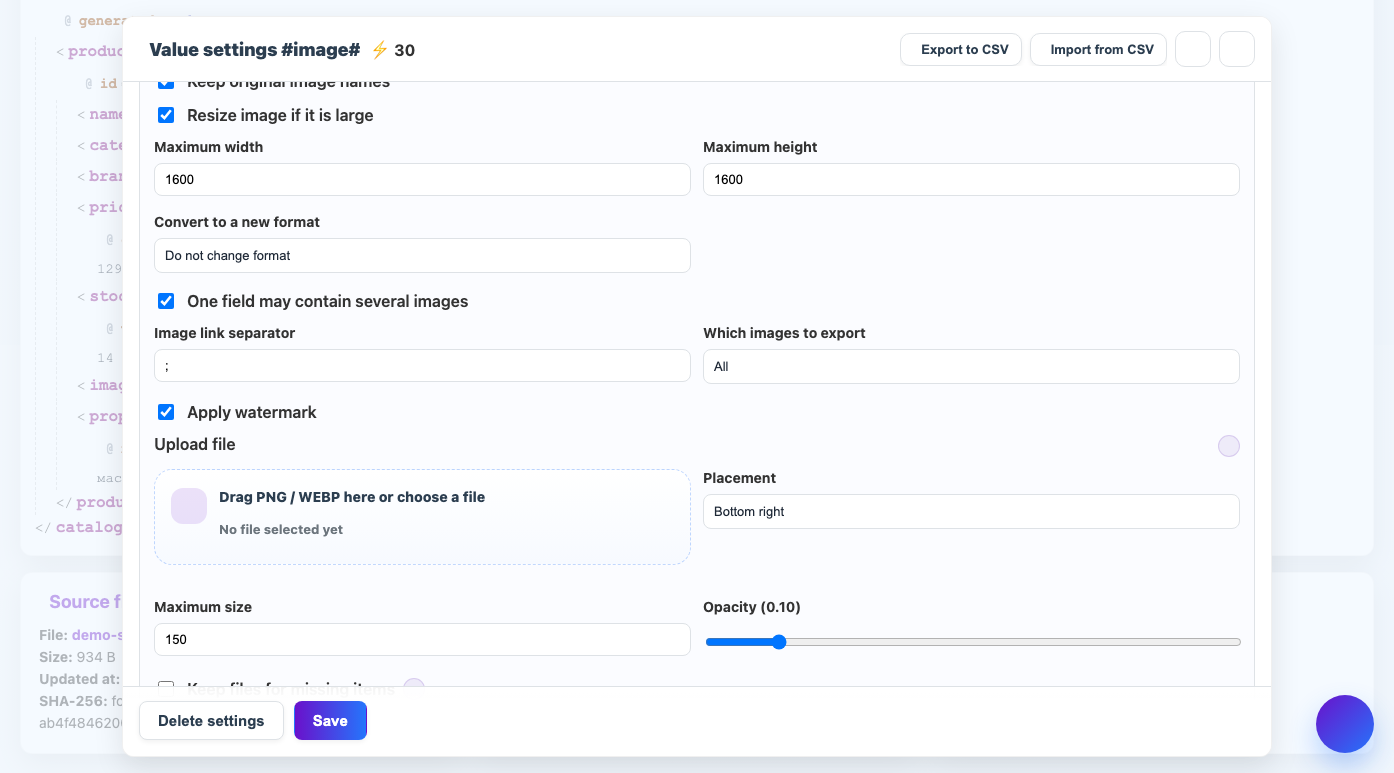
The maximum watermark size limits the width and height of the overlay image.
When to use
The adjustment is necessary so that the sign does not overlap the product in small photos and does not look too large in large ones.
How to set up
- Open your watermark settings.
- Specify the maximum size in pixels.
- Start with a safe value like 150px.
- Check out several images of different sizes.
- Adjust the transparency if the sign is still too visible.
What will happen
The watermark will be reduced to the specified limit and will look neater on different images.
What is important to remember
- The size of the sign should not be larger than an important part of the product.
- If the sign is already small, the service is not required to enlarge it.