
The Wildberries API template relates to automatic synchronization: notifications and settings relate to sending data to the API, and not just to generating XLSX.
When to use
Use Wildberries API if you need to automate data synchronization without manually uploading a file.
Setting procedure
- Create a profile and select a source or union catalog.
- Select the Wildberries template with API format.
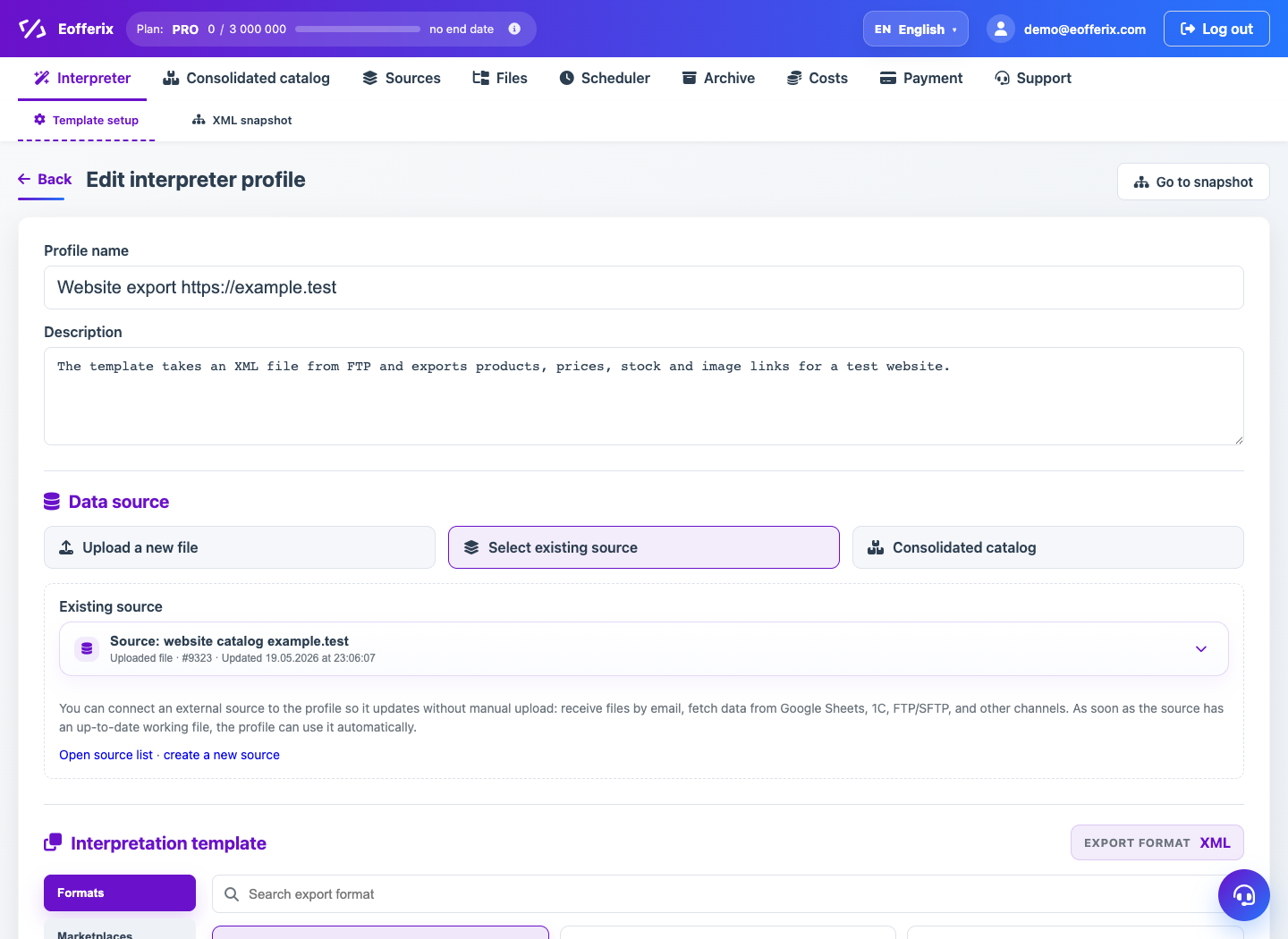
- Fill in the integration settings available in the profile interface.
- Configure the fields that should be synchronized.
- Enable start, end, and error notifications.
- Start synchronization manually or on a schedule after checking.
What to check
- Wildberries API access is active and corresponds to the required account.
- The source contains only the data that needs to be updated.
- Notifications are enabled for sync errors.
Notes
- API integrations require particularly careful checking of update rules.
- If you only need to prepare a file, use Wildberries Excel.