
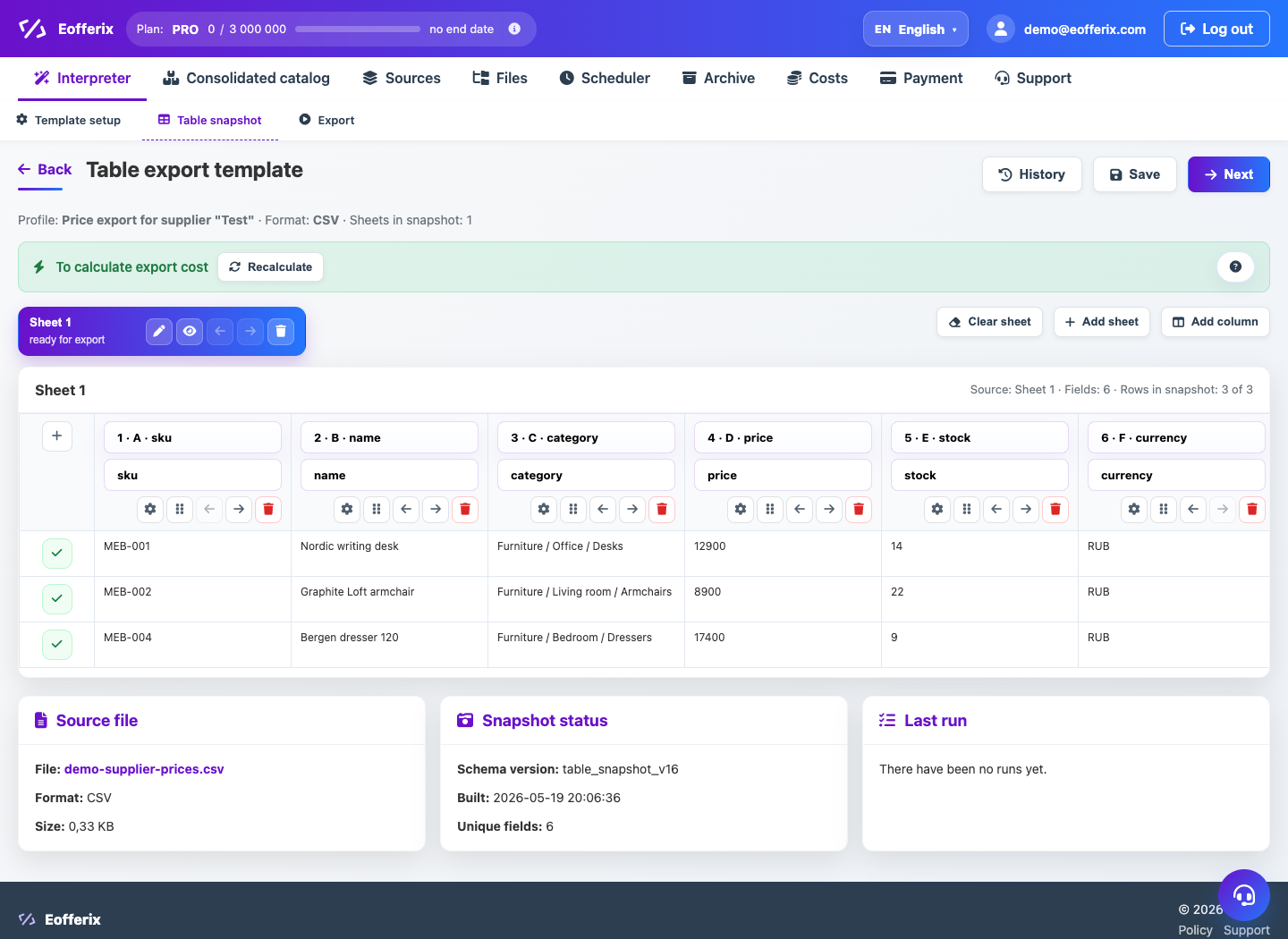
The Wildberries Excel template works as a tabular result based on the marketplace template file.
When to use
Use Wildberries Excel when you need a file for manual download or verification in the seller's account.
Setting procedure
- Create a profile and select a source.
- Select a Wildberries Excel template.
- Download or select the current Wildberries Excel template.
- In the table editor, fill in the required fields and value rules.
- Collect a preview and download the result.
- Check the file in your Wildberries account before uploading.
What to check
- The required fields of cards, prices and balances are filled in.
- Number and date formats follow the pattern.
- The resulting XLSX opens without damage.
Notes
- For automatic sending, use a separate Wildberries API template.
- It is better to update the marketplace Excel template before making major changes.