
The XML editor works with a result tree: nodes, attributes and values can be associated with source data and processed by rules.
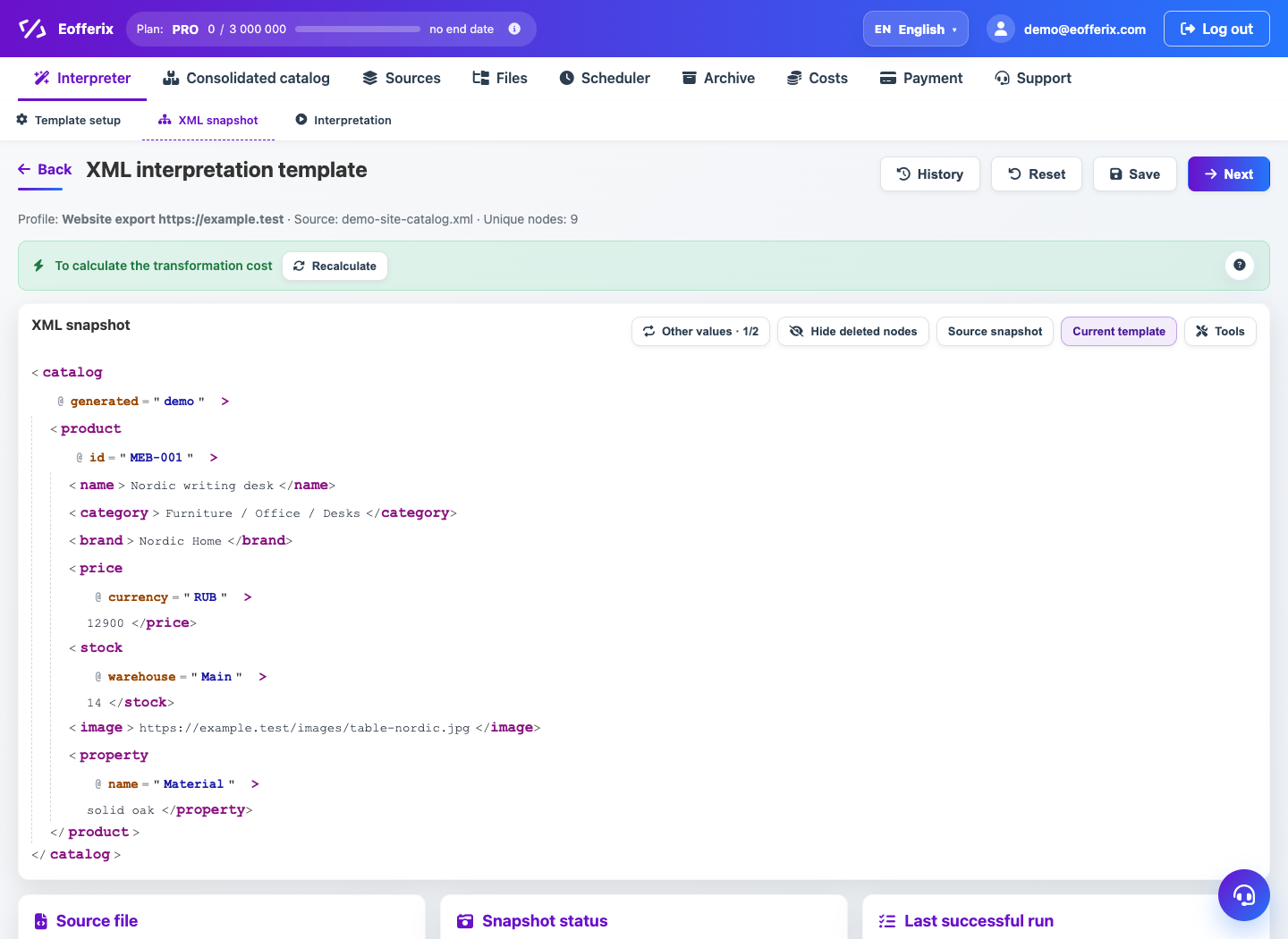
When to use
Use the XML editor for hierarchical uploads, CommerceML-like structures, and XML integrations.
Setting procedure
- Open the editor from the profile with the XML result.
- Create or test a result root node.
- Add child elements and attributes.
- For each value, select a source path or a constant value.
- Add conversion rules if you need to clear or recalculate a value.
- Run preview and check the XML.
What to check
- XML has one valid root element.
- Repeating elements are set to the desired source list.
- Attributes are not confused with nested elements.
Notes
- For large sources, some of the preparation may be done in the background.
- If the XML source changes structure, use source protection and preview checking.