
Why it matters
\nXML and JSON often contain repeating elements: multiple images, attributes, warehouses, prices or offers. A table is flat, so you must choose how repeats become rows and columns.
\n\n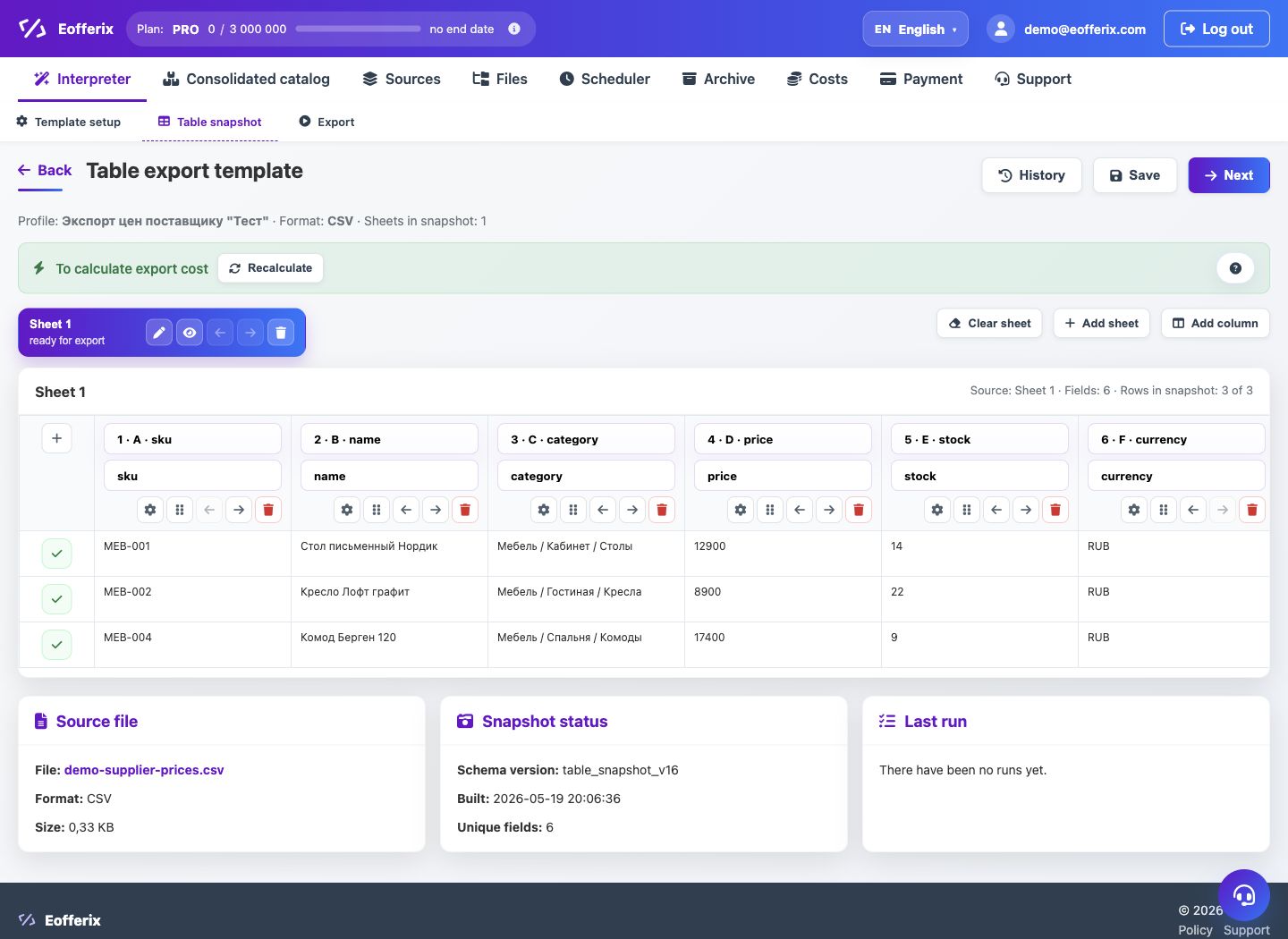
- One product row with values joined by a separator.
- One product row with several columns: image_1, image_2, image_3.
- Several rows: the product repeats and each row contains one attribute, warehouse or offer.
How to configure it
\n- Open the XML or JSON snapshot and find the repeating group.
- Define the parent element: product, offer, section or record.
- In the table editor, choose the fields that should become columns.
- For multiple values, set a separator or split mode into rows.
- Check the preview on products with one, several and empty values.
- Run a demo export and check the number of rows in the result.
How to choose the mode
\n- For images, one cell with links separated by a delimiter is often enough.
- For attributes, separate rows or name-value pairs are usually clearer.
- For warehouses, keep both warehouse code and quantity.
- For offers, one row per SKU is usually required.
- If the receiving system expects fixed columns, limit the number of repeats.