
Transformation settings follow the same logic in all editors, but the surface differs: XML and JSON rely on document paths and structure, while the table editor relies on sheets, columns, rows, and cells.
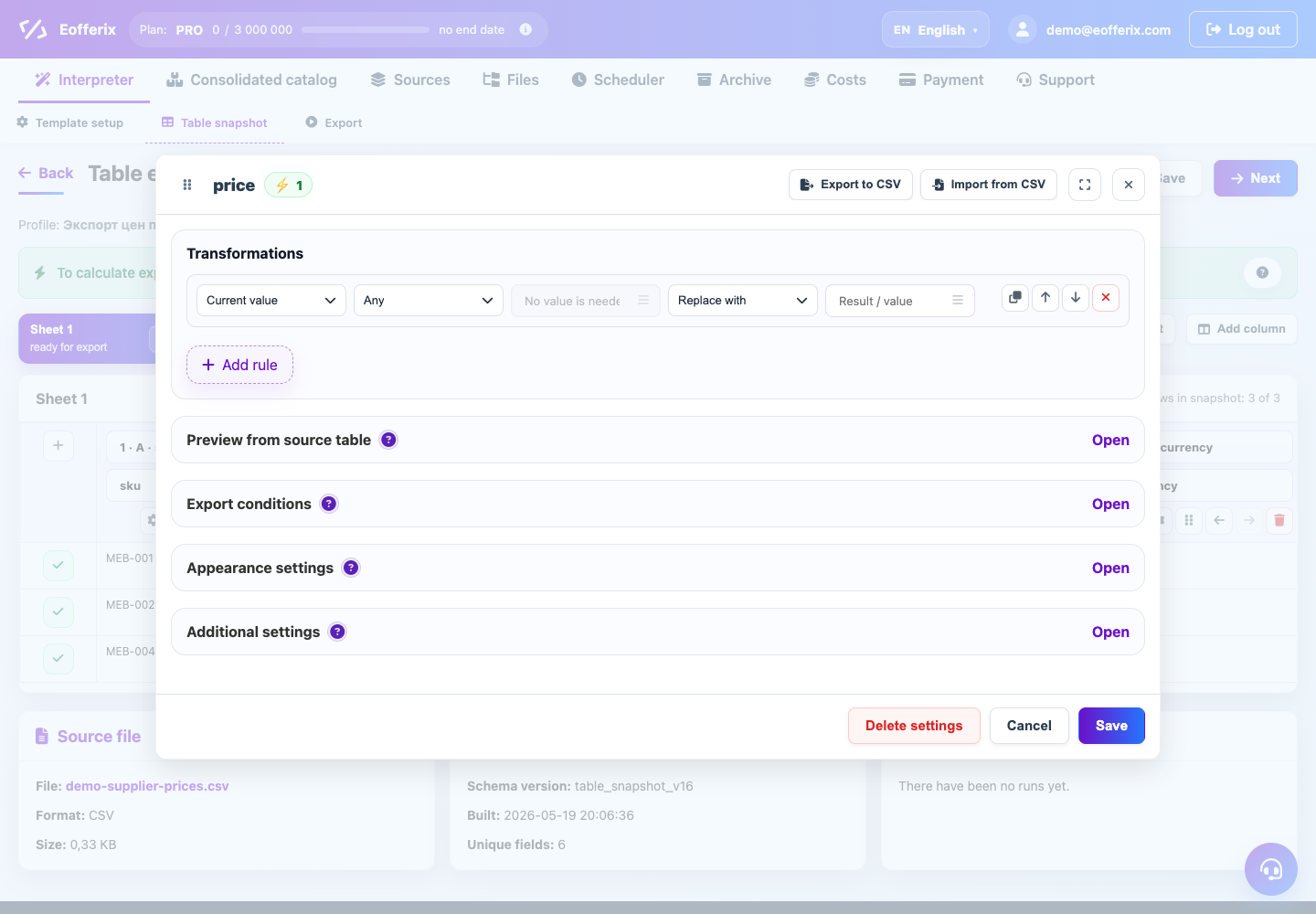
What is shared
- Transformation rules run from top to bottom.
- Conditions can be checked before or after transformations.
- System values, date, time, and exchange rates can be inserted into rules or service values.
- Additional settings support multiple values, files, images, and dictionaries.
What depends on format
- XML: configure nodes, attributes, grouping of repeated elements, and nested structure.
- JSON: objects, arrays, and nested result array assembly are important.
- Tables: XLSX appearance, service rows, and row structure settings are added.
If you are unsure where to configure a rule, start with the result field. It defines which value is written to the final file.