
A nested XML element is needed when the receiving system expects a structure like product > price or offer > images > image.
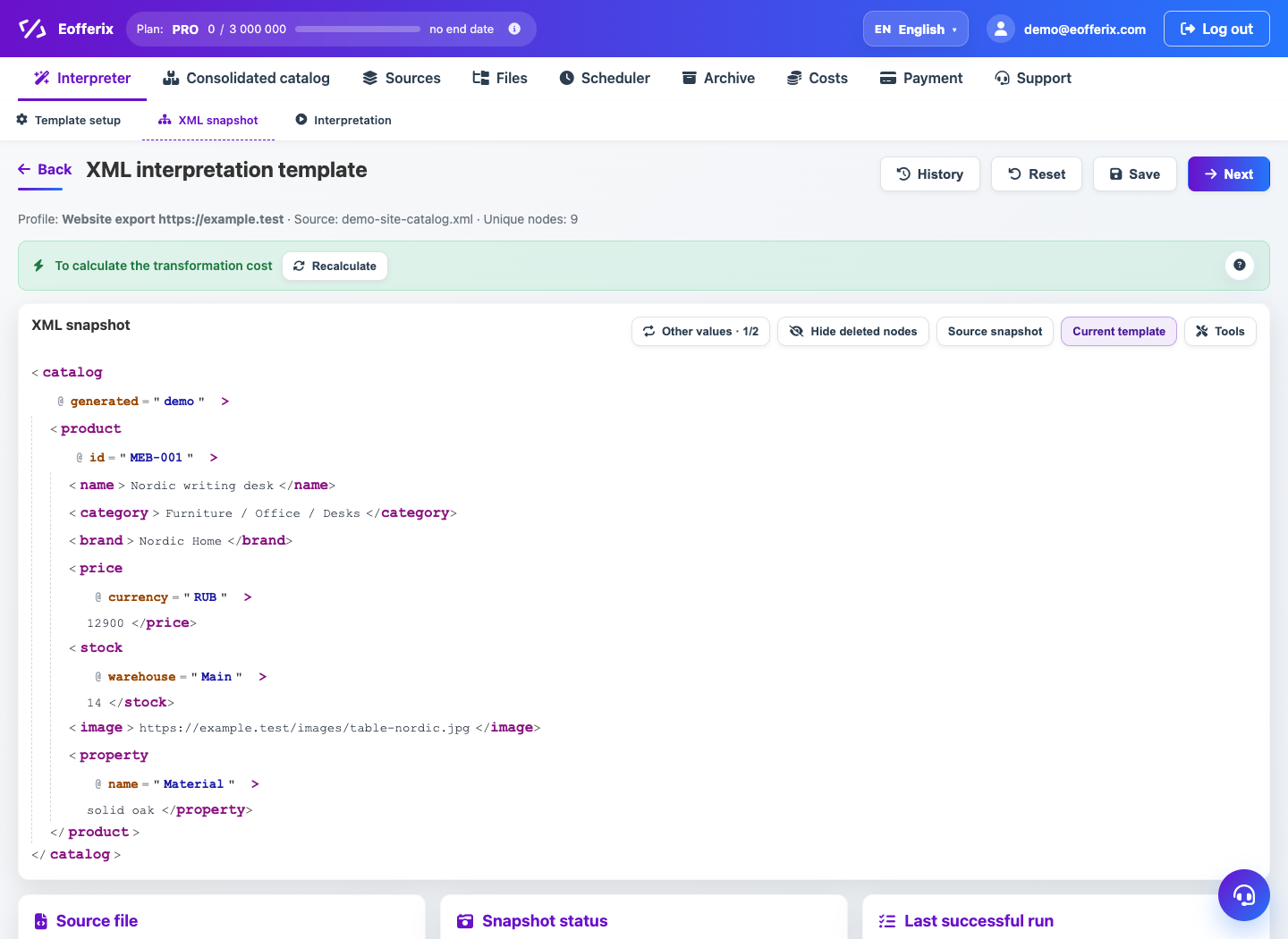
When to use
Configuration is needed for XML feeds, CommerceML, ERP imports and marketplaces, where the order and nesting of tags matters.
How to set up
- Open the profile XML editor.
- Create a parent element.
- Add child elements inside and bind source values to them.
- If the child element is repeating, set it to repeat by list of values.
- Check the resulting XML in the preview.
What will happen
The XML will have the desired hierarchy, and the receiving system will be able to read the fields without additional manual preparation.
What is important to remember
- The name of the tag and its nesting are more important than the visual order on the screen.
- XML attributes are configured separately from child tags.