
Source properties are characteristics that may not exist in UMI.CMS yet. Eofferix can create and fill a field, but the owner must be correct: product, trade offer, or section.
- new fields are created in the selected UMI.CMS data type;
- trade offer properties do not go into the product;
- lists and multiple values are created predictably;
- empty values do not clear important data unless configured.
Where To Find It
XML snapshot → value settings → UMI.CMS tab and Additional settings for that value.
If the source contains properties that do not yet exist on the site, Eofferix can create UMI.CMS fields automatically. The important part is binding the property to the correct snapshot role.
Choosing The Field
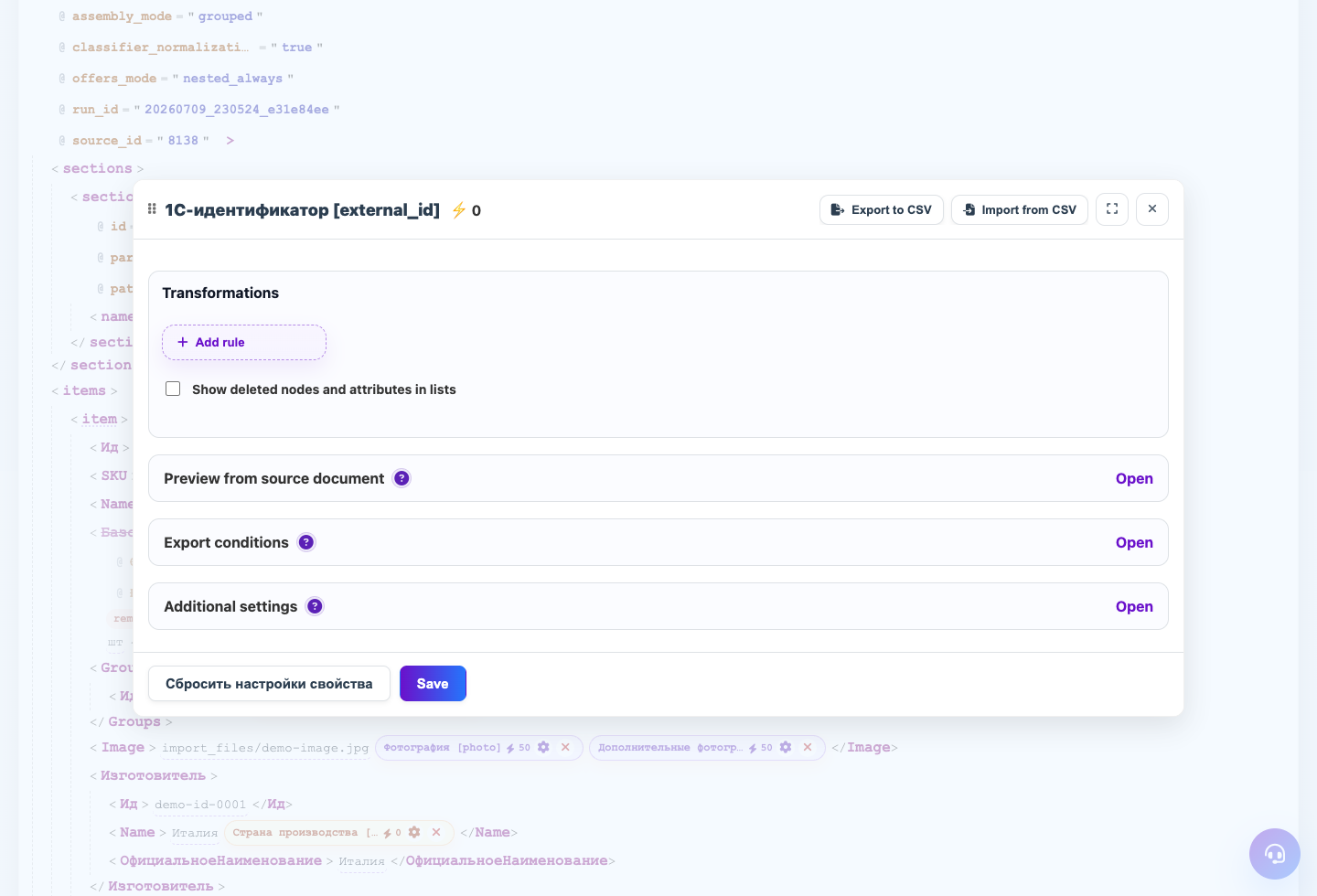
Open value settings, choose the UMI.CMS tab, and select where the value should be written. Use product fields for products, offer fields for offers, and section fields for sections.
Property Types
Check the type before exporting: string, text, number, date, flag, list, or multiple list. For lists, Eofferix creates dictionary values and then writes the selected value to the object.
Additional Settings
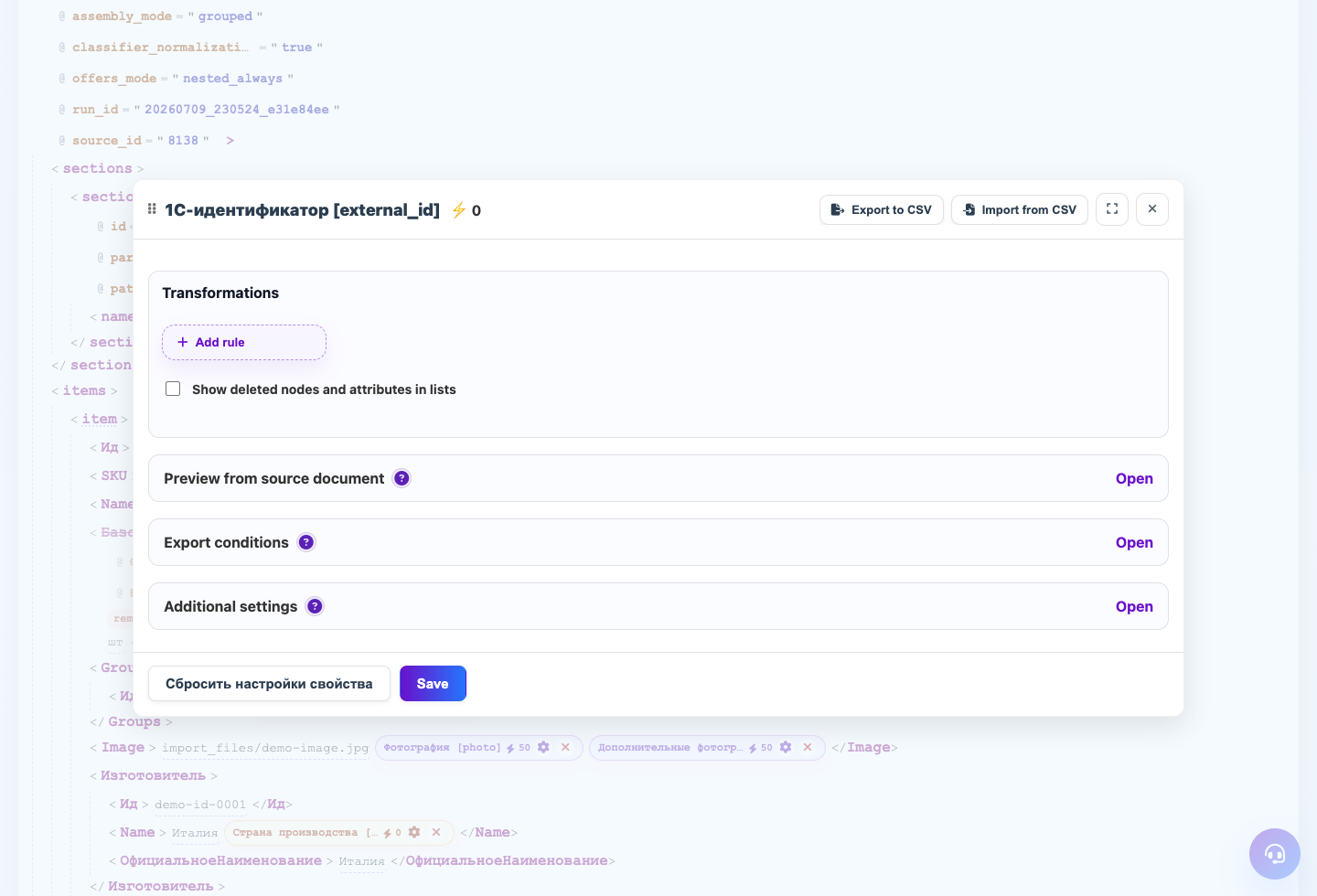
Additional settings control letter case, multiple values, CMS text preparation, and image handling. These rules belong to the selected snapshot node.
Empty Values
If the source sometimes sends no value, choose empty-field behavior in the template. This is especially important for images and files.
Step-by-step Setup
- Open the value in the snapshot and choose the UMI.CMS tab.
- Choose an existing field or create a new one from this value.
- Check the field owner: product, trade offer, or section.
- Choose the field type: string, text, number, date, flag, list, or multiple list.
- For lists, check how reference items will be created.
- Save and run a test import on one or two objects.
How To Check The Result
- The new field is in the correct UMI.CMS data type and group.
- Products contain only product properties.
- Trade offer rows contain variant properties.
- Repeat import does not create duplicate fields with similar names.
Common Mistakes
- Creating an offer field in the product block.
- Changing field type after UMI.CMS already has data.
- Not setting a separator for multiple values.
- Allowing an empty source value to clear a field when the source can be incomplete.
What To Do Next
After properties, configure images and deletion rules separately.