
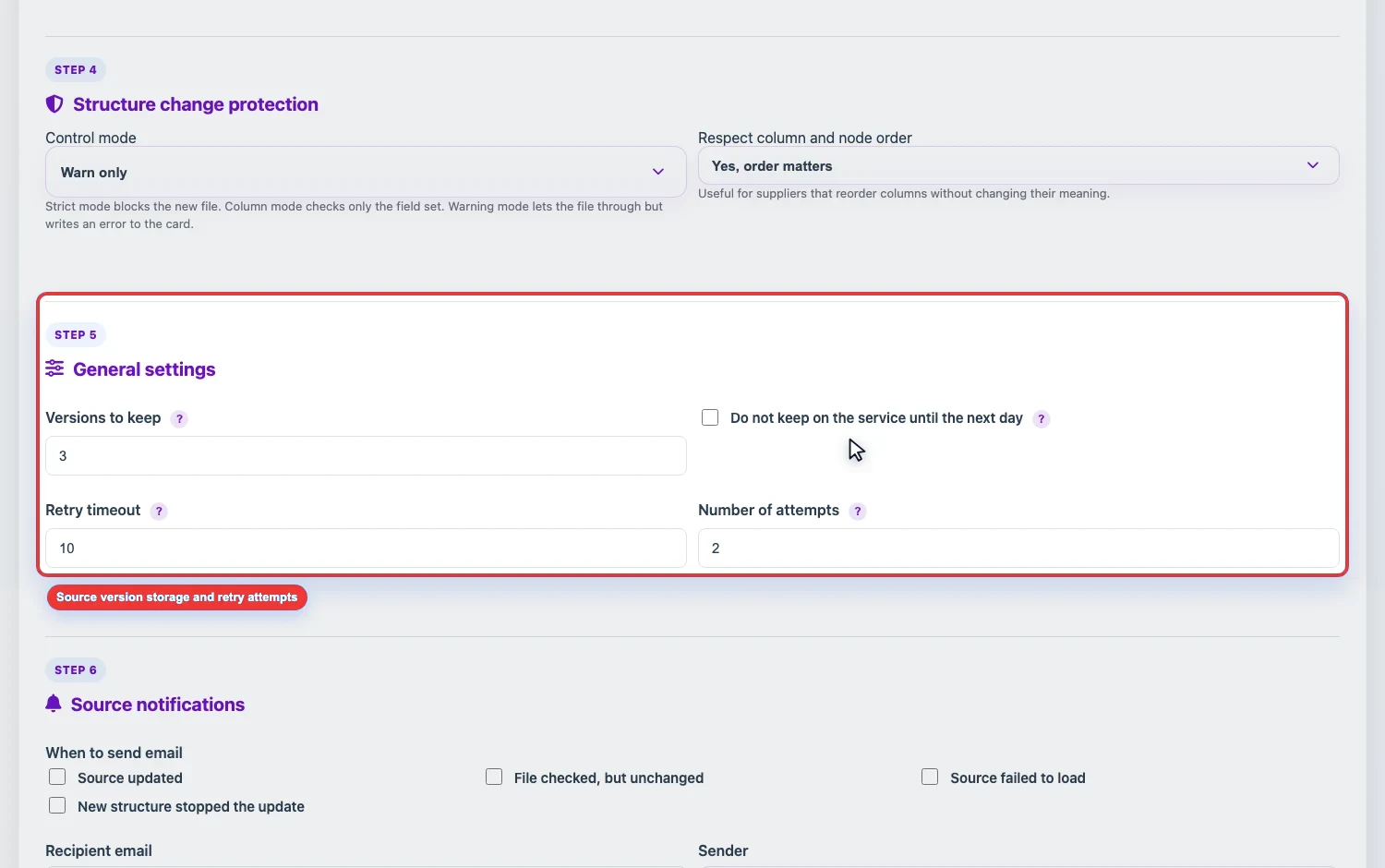
General source settings define how many versions of the original file to keep and how Eofferix should behave during a temporary file retrieval error.
How many versions to keep
Versions to keep limits the number of saved source versions. When a new file arrives, older versions above the limit are deleted automatically.
- The minimum is one version.
- If only the current file matters, one version is usually enough.
- If you need to compare supplier changes or return to previous data, keep several versions.
- The number of versions affects storage usage.
Do not store until the next day
Do not store on the service until the next day deletes the source file automatically at the nearest 00:00 UTC. Enable it for one-time files that are needed only for current setup or a one-off run.
Do not enable this option if the profile must run regularly on schedule and use the source file without another upload.
Retry attempts
External sources can be temporarily unavailable: a supplier server may not respond, mail may delay the connection, or FTP may close the session. Two settings are used for these cases.
- Retry timeout - how many minutes to wait before another attempt.
- Attempts - how many times Eofferix will try to retrieve the file again. The maximum is 10 attempts.
How to choose values
- For stable URLs and FTP, 1-2 attempts are usually enough.
- For mail and external portals, keep several attempts if the supplier often responds slowly.
- If the supplier updates the file at a specific time, do not set a very short timeout: a retry can happen before the file appears.