
The import scenario defines what happens to site objects that are not present in the current source. This is the riskiest setting: a wrong scenario can remove too much.
- the scenario matches source completeness;
- cleanup is limited to the intended source;
- profile ownership is used only where needed;
- the deletion safety limit is understood before running.
Where To Find It
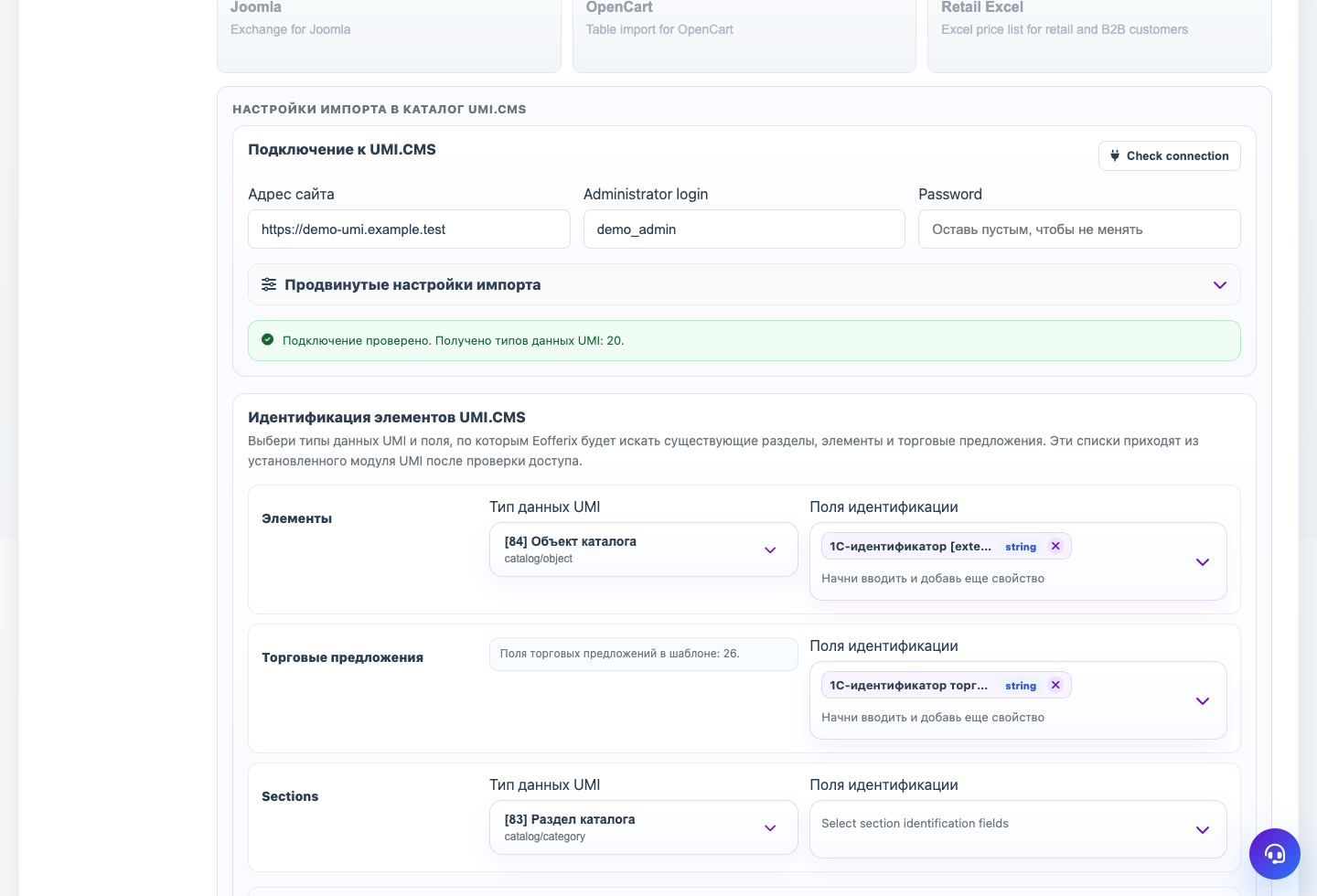
Profile → Template → Typical scenarios, Cleanup after import, and Source import protection.
The import scenario defines the profile mode: what to do with new objects, found objects, and objects missing from the current source.
Main Scenarios
| Scenario | When to use it |
|---|---|
| Full source sync | When this source owns the full catalog and can remove or disable missing objects in its scope. |
| Careful update | When you need to update found products and offers without touching the rest of the catalog. |
| Add only new | When you need to add new products without changing found ones. |
| Full rewrite | When the catalog must be rebuilt strictly. Test it before using on a live site. |
Cleanup After Import
Deleting rules should be limited to the current source if the site contains products from other channels. The safety limit stops the run when cleanup touches too many objects.
Profile Binding
Full sync and full rewrite usually bind elements to the import profile. A separate changes profile can disable binding so it updates found objects without interfering with the full exchange.
Run Check
Step-by-step Setup
- Decide whether the source is complete. A complete catalog can synchronize and remove missing objects.
- For a partial or changes source, choose a careful scenario without full cleanup.
- Enable profile binding for full synchronization.
- Usually disable profile binding for changes exchange.
- Set a deletion safety limit so an accidental incomplete export cannot erase the catalog.
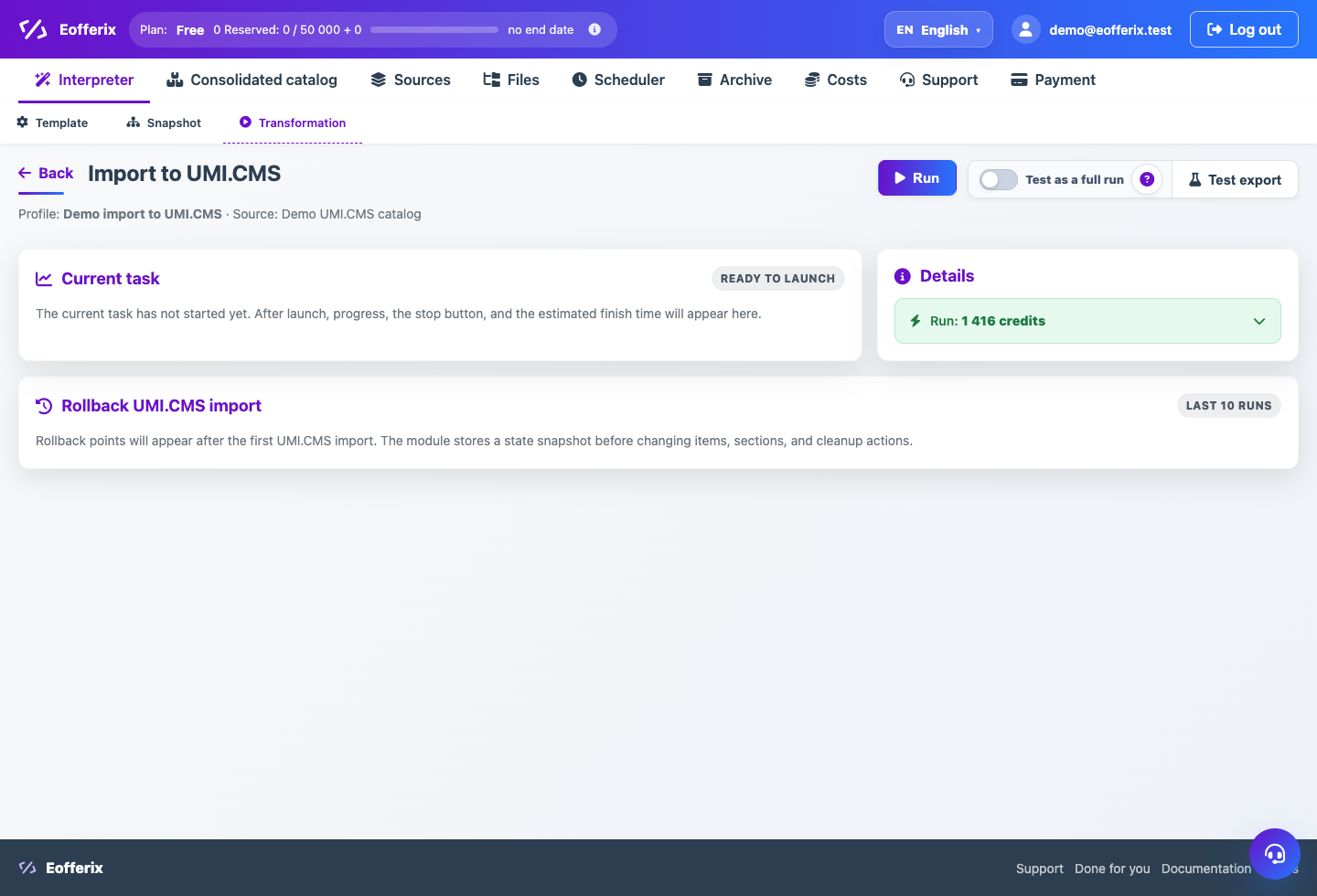
- Run a test export first and inspect the planned actions.
How To Check The Result
- Full synchronization affects only items of this source or profile.
- Partial exchange does not treat all other products as missing.
- If cleanup finds too many objects, import stops with a clear protection message.
- On a repeat unchanged run, most objects are counted as unchanged.
Common Mistakes
- Using full overwrite on a changes file.
- Disabling profile binding in full exchange and expecting safe cleanup.
- Increasing deletion limits without checking why the count is high.
- Treating a test run as a full cleanup run.
What To Do Next
If 1C sends changes separately, configure a separate changes profile.