
1C often has two modes: full catalog and changes exchange. Use separate sources and profiles for them, but keep the same matching fields.
- the full profile remains the catalog owner;
- the changes profile updates only received products and offers;
- unchanged items are skipped quickly and cost less;
- zero-stock deletion affects only objects received in the current change.
Where To Find It
Create a separate source for 1C changes, then a separate UMI.CMS profile. Use the same site and matching fields as the full profile.
The full 1C exchange usually owns the catalog structure. A changes exchange updates prices, stock, and selected properties frequently without rebuilding everything.
Two Profiles
Use two profiles: Full catalog runs less often and syncs the complete source; Changes runs often and updates only products and offers that arrived.
Separate Source
Create a separate source for changes and point 1C to it for changes mode. Link it to a UMI.CMS profile with a careful scenario.
No Profile Binding
Disable binding elements to the exchange profile in the changes profile. Then the full exchange still owns the products even if the changes profile updated their prices or stock.
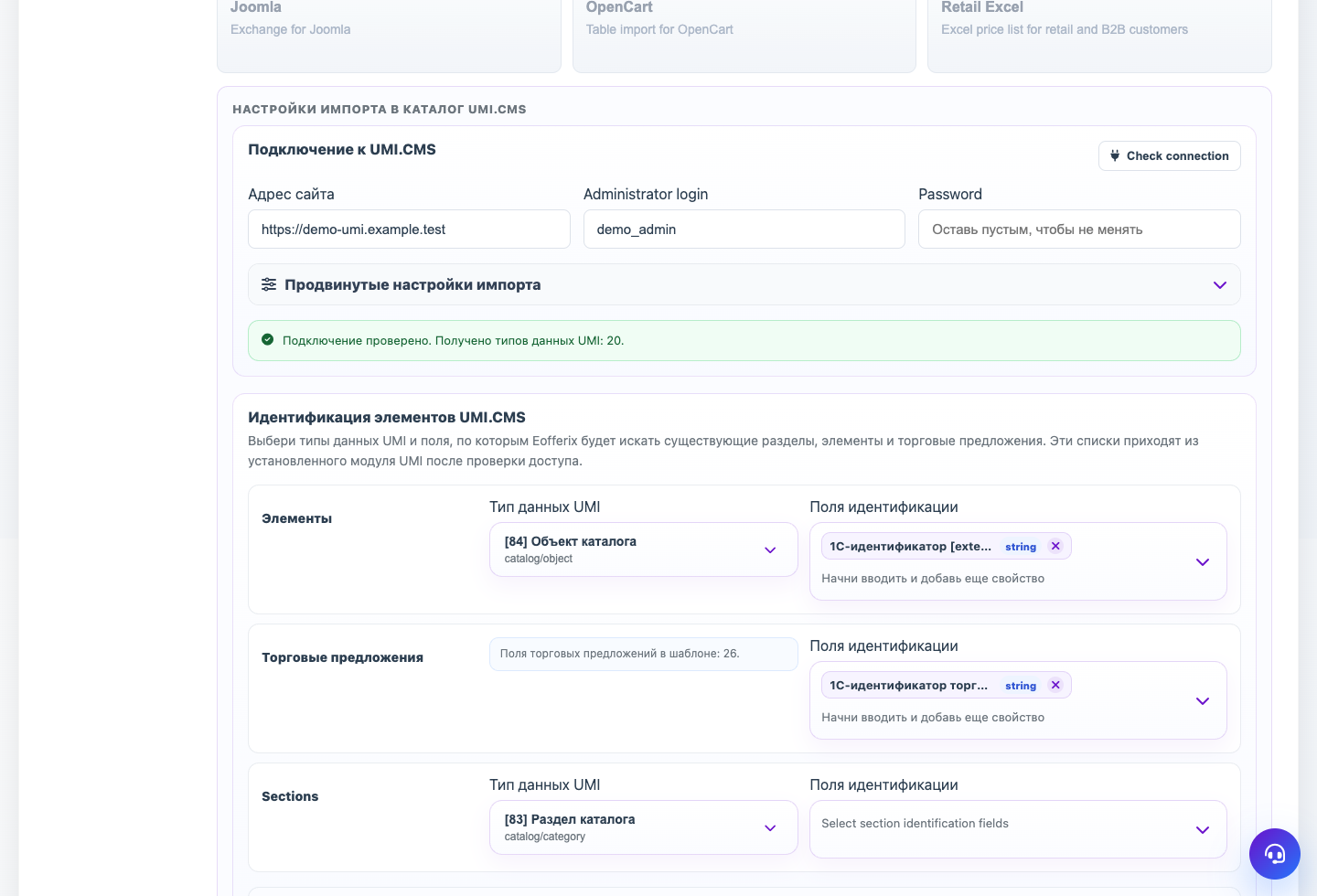
Unchanged Items
If a product or offer is found and transformed data has not changed, Eofferix should skip writing and count the result as UMI.CMS unchanged item. This makes repeat runs faster and cheaper.
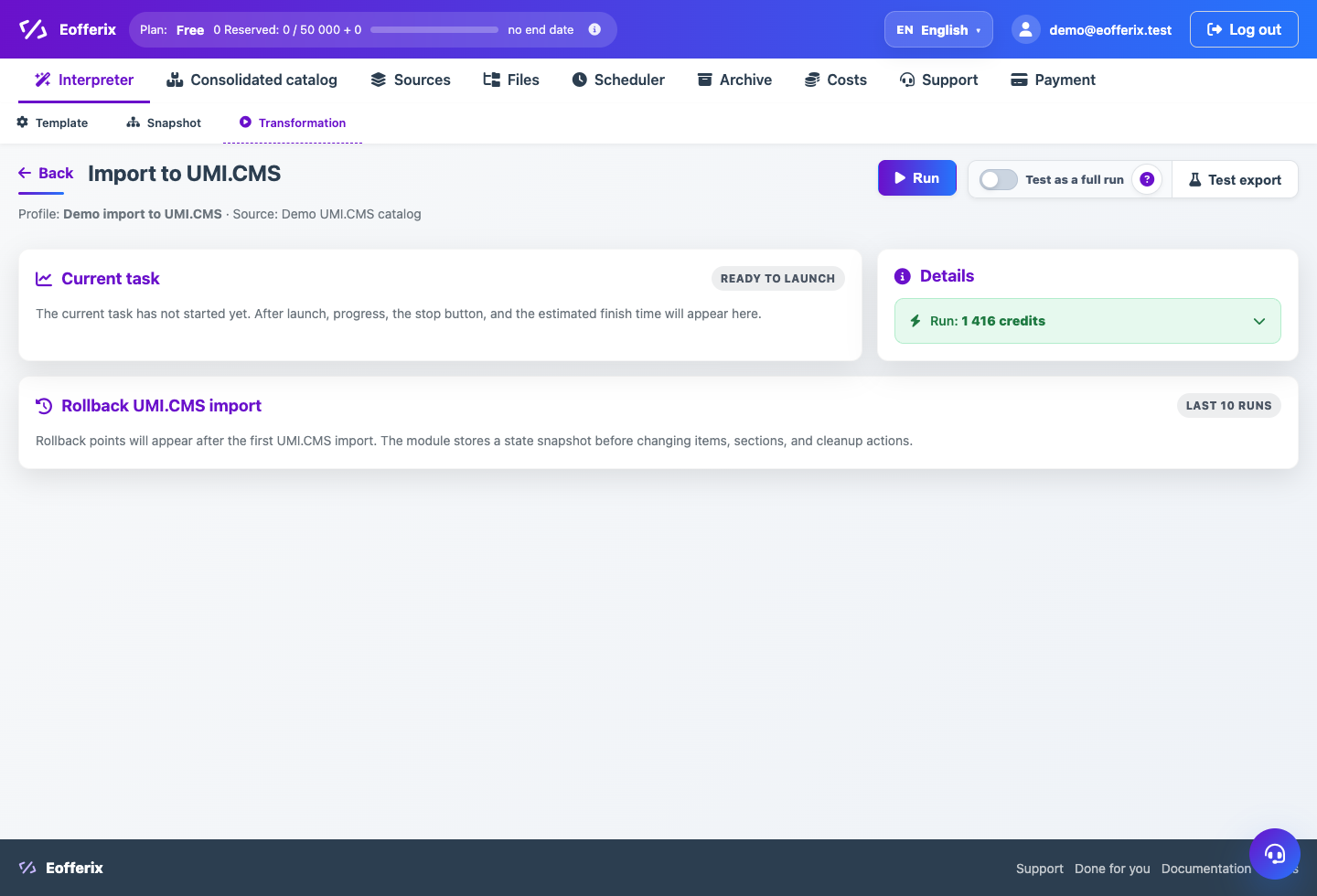
Step-by-step Setup
- Copy the full profile or create a new one with the same UMI.CMS template.
- Connect a separate source where 1C sends only changes.
- Make sure products and offers use the same matching fields, for example external_id.
- Choose a careful update scenario without full catalog cleanup.
- Disable profile binding so the changes profile does not take ownership from the full profile.
- If zero-stock deletion is enabled, check that it applies only to objects received in this run.
How To Check The Result
- A repeat exchange with no changes finishes quickly.
- Costs include unchanged UMI.CMS item rows.
- After a changes run, the full profile still owns the catalog.
- Full synchronization after changes does not duplicate or remove updated items.
Common Mistakes
- Using different matching fields in the changes profile.
- Leaving profile binding enabled for the changes profile.
- Enabling cleanup of absent objects on a partial export.
- Comparing before transformations even though import uses transformed values.
What To Do Next
After configuring full and partial exchange, learn how to read the run screen and stop tasks safely.