
After the template is configured, the profile can be checked with a demo run or started as a full processing run. Both modes use the current source and profile rules, but they solve different tasks.
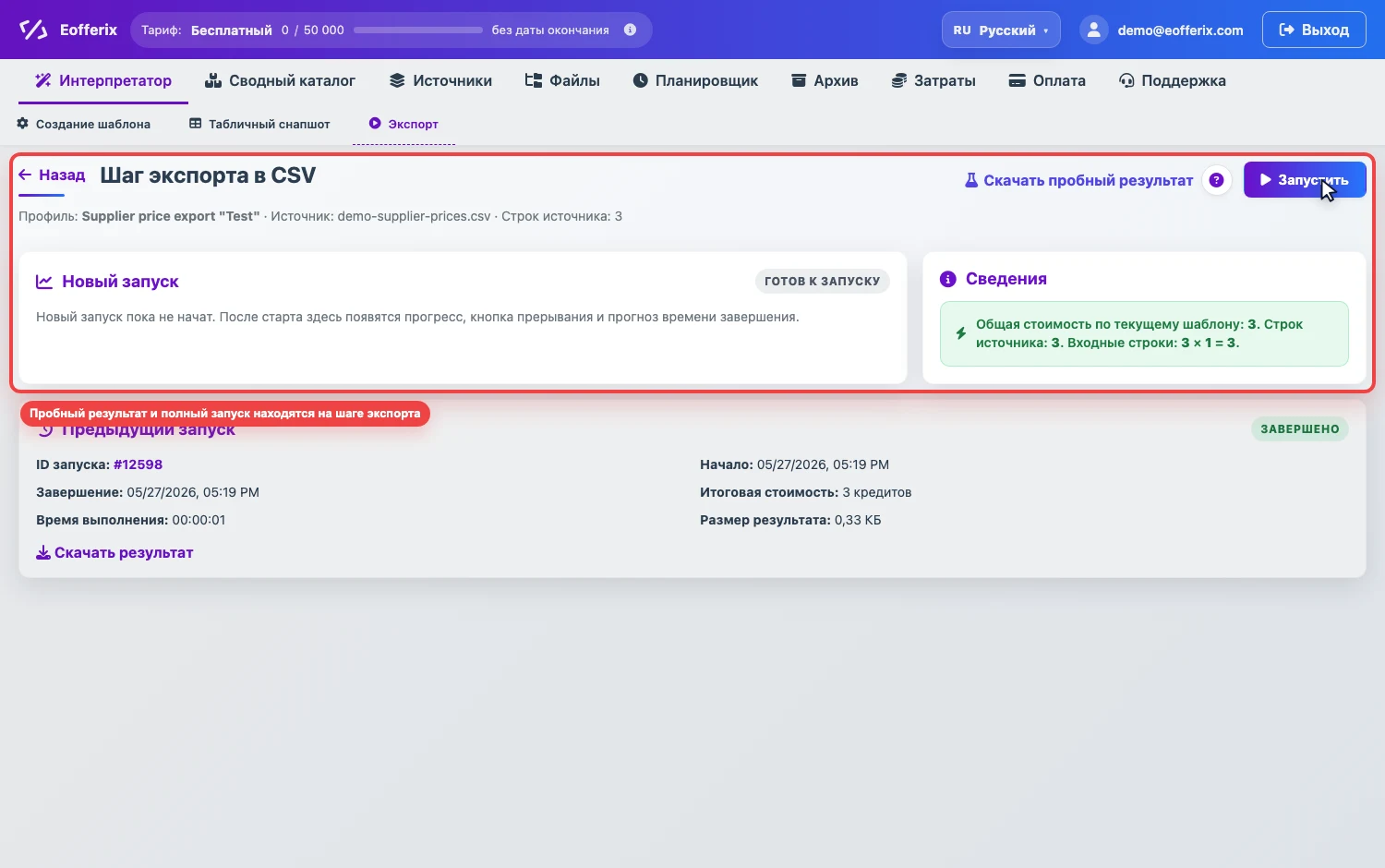
Demo run
A demo run is used to quickly check the result structure on a limited amount of data. It helps verify selected fields, value transformations, and XML/JSON nesting or table structure.
A demo run also spends credits, but on a limited volume. If the source file is very large, it is usually better to check the rules on a demo export first and spend much fewer credits than running the whole file immediately.
- Useful before a production run.
- Does not replace full processing of the whole source.
- Helps find template errors before large credit debits.
Full run
A full run processes the entire source and creates a production result: a file, an import into the consolidated catalog, or delivery to an external integration if configured.
- Before the run, Eofferix shows a cost estimate.
- If credits are not enough, the run will not start until the balance or terms are changed.
- During processing, you can see status, progress, start time, estimated completion, and final cost.
Cost estimate
The cost depends on source volume, number of rules, result type, and additional operations: image processing, catalog import, 1C processing, and other paid actions.
If some files or images fail during the run, credits are not charged for them as successfully processed files.
Queue and active runs
If the profile is queued, it starts when resources become available for the plan or personal server. In the run block, you can see active tasks and, when available, stop current processing.
Run statuses
- Queued - the run is waiting in the queue.
- Running - Eofferix is processing the source.
- Successful - the result was created or data was sent to the selected target.
- Error - the run did not finish. Check the message on the run page and profile settings.
Completed runs are described in Run history.