
Source notifications relate to receiving the original file. They do not report the result of profile interpretation: profile notifications are configured separately in the profile settings.
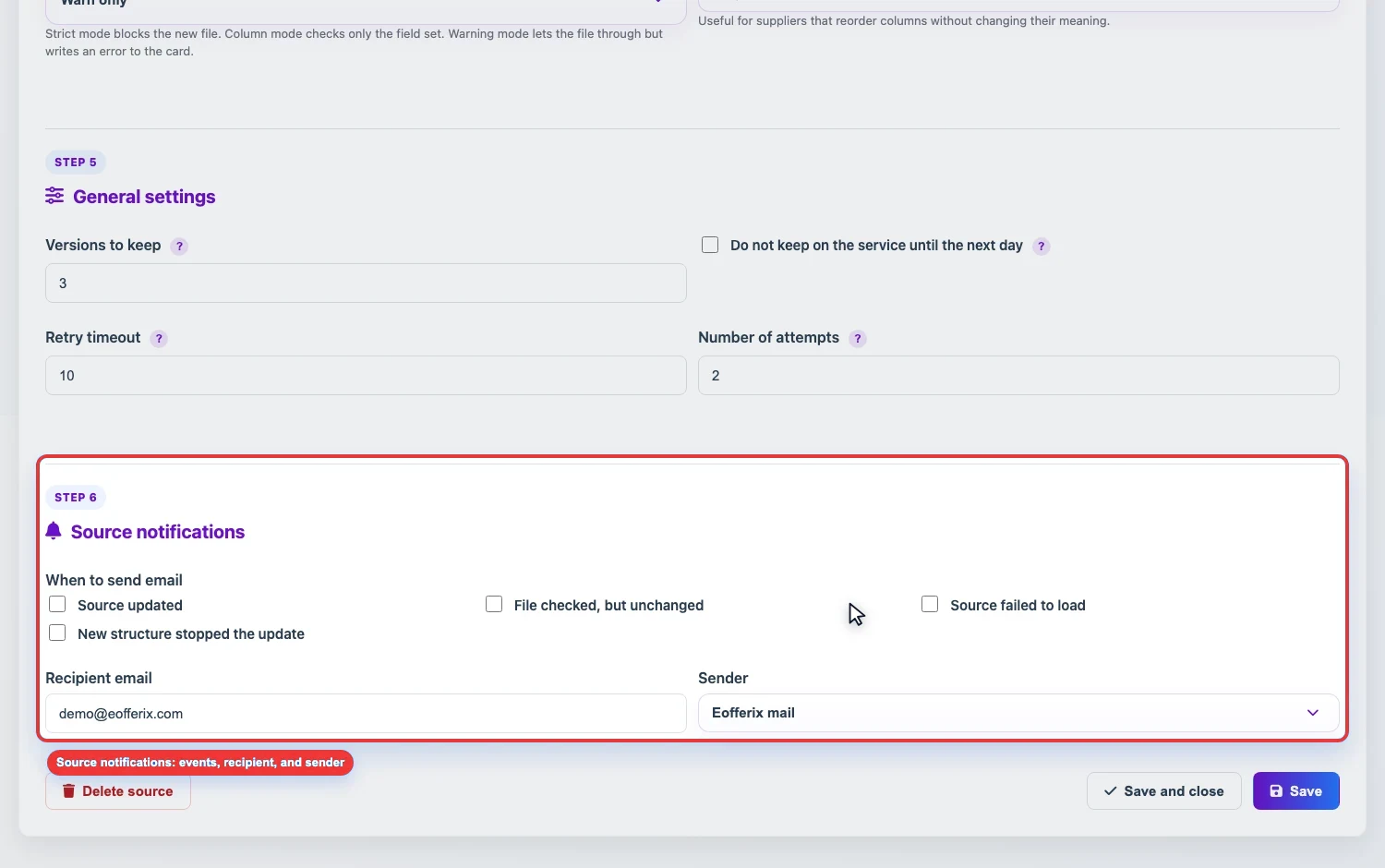
When to send an email
In a source, you can select events that trigger an Eofferix email.
- Source updated - a new file was received and accepted as the working version.
- File checked but unchanged - the source was checked, but the content did not change.
- Source failed to load - the notification is sent after all configured retry attempts if the file still could not be received or accepted.
- New structure stopped the update - structure protection did not accept the new file and requires manual confirmation.
Where to send
- Open the source card.
- Go to Source notifications.
- Select events.
- Enter the recipient email.
- Select the sender: Eofferix mail or your mailbox through SMTP.
- Save the source.
Eofferix mail or your SMTP
- Eofferix mail is suitable when you simply need technical notifications.
- My mail through SMTP is used when emails must be sent from your domain or company mailbox.
For SMTP, fill in sender email, SMTP host, port, encryption, login, and password. Many mail providers require an app password for SMTP.