
Task
The supplier update already has sku, but stock is written as Stock: 12 pcs. The catalog import needs sku, price, and stock without text prefixes or units.
Short answer
If stock is always a number inside the string, use \d+ (finds one or more digits in a row) with Remove everything except. If the format is stable, remove Stock: and pcs as substrings.
How to do it in Eofferix
Method 1: use a regular expression in Eofferix
Create the output column
stock_regexfromstock_text.Open the settings of
stock_regex.
The animation shows which output column is configured for the stock value. Add a rule: condition
Regular expression, value\d+(finds one or more digits in a row), actionRemove everything except.
The rule keeps only the numeric stock quantity from the supplier text.
Method 2: use substring search in Eofferix
Create the output column
stock_text_methodfromstock_text.Open the settings of
stock_text_method.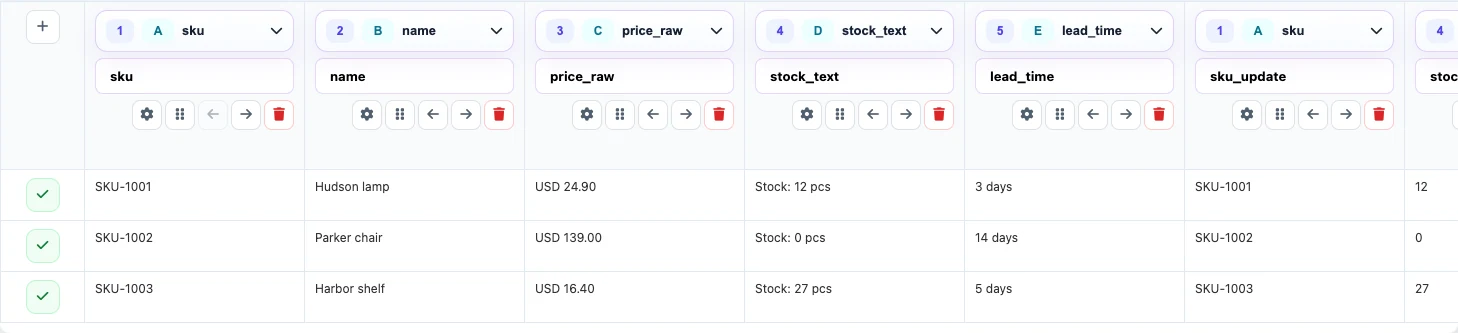
Use this option when the supplier always sends the same prefix and suffix. Add two substring replacement rules: remove the stable prefix, then remove the stable unit suffix.

For Replace substring, the text to find is set in the condition; the result is left empty.
Before / after
Before
source data| sku | price_raw | stock_text |
|---|---|---|
| SKU-1001 | USD 24.90 | Stock: 12 pcs |
| SKU-1002 | USD 139.00 | Stock: 0 pcs |
After
result| sku | price | stock |
|---|---|---|
| SKU-1001 | 24.90 | 12 |
| SKU-1002 | 139.00 | 0 |