
Task
A JSON order contains an items array. The final CSV must have one row per item, not one row per order.
Short answer
Choose a JSON source and CSV output. Open the Items sheet, move it to the first position, save the template, then run the transformation.
What matters for the result
- Each CSV row must represent one array item, so choose the sheet or level that corresponds to that array.
- If the order number is needed next to each item, add it as a column from the parent object.
- Before running, check the preview: row count should match
items, not orders.
Before / After
Before
source data{
"order_id": "ORD-1001",
"items": [
{
"sku": "CHAIR-NORD-01",
"qty": 2
},
{
"sku": "DESK-NORD-02",
"qty": 1
}
]
}After
result| sku | qty |
|---|---|
| CHAIR-NORD-01 | 2 |
| DESK-NORD-02 | 1 |
How to Do It in Eofferix
- Create a transformation profile, upload the JSON file, and choose CSV as the output format.
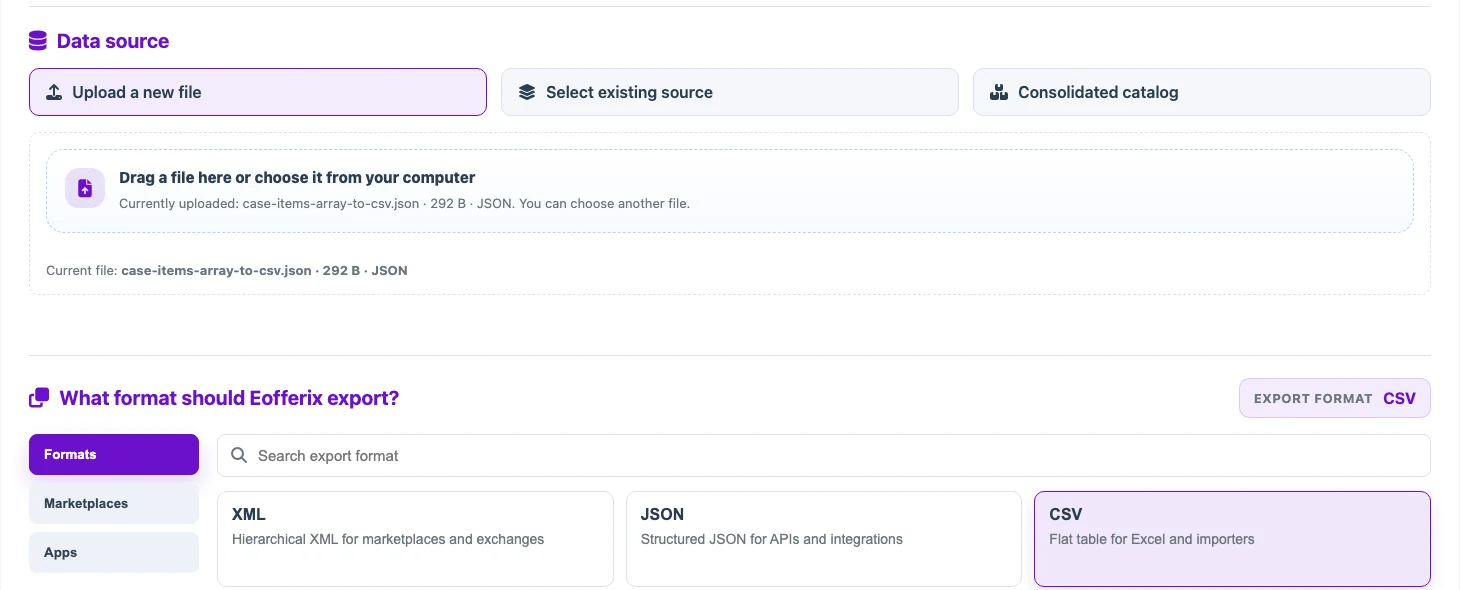
The source is a JSON file, and the output format is CSV. - Open the first sheet for the order object. It keeps the order as one row and expands array positions into columns like
items.1.skuanditems.2.sku. That sheet is not the right result for item rows.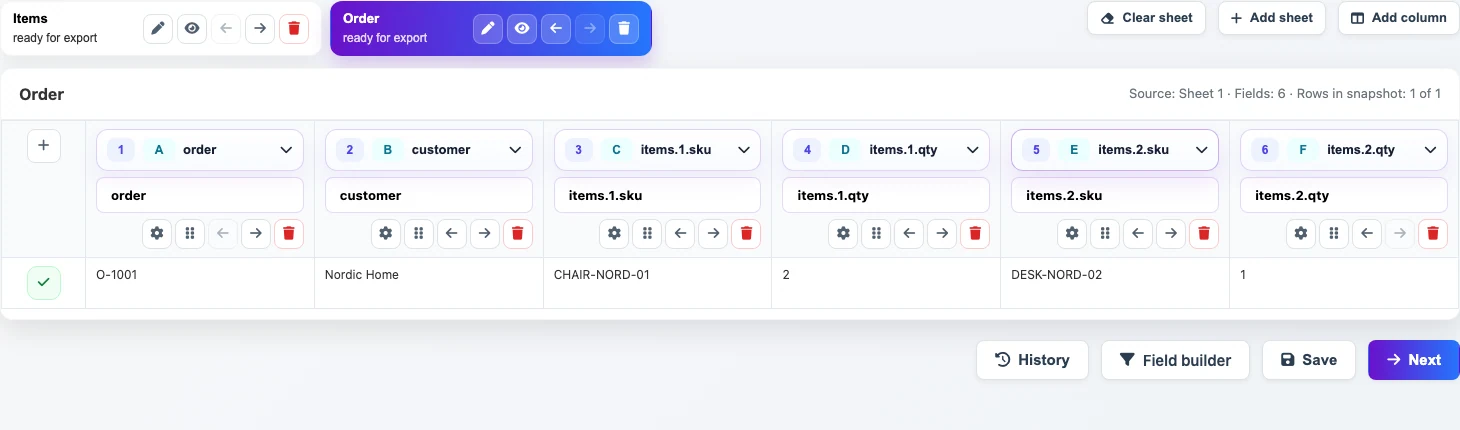
The Ordersheet is useful for the order itself, but not for one CSV row per item. - Open the
Itemssheet. Each element of the JSON array is already a separate row withskuandqty. MoveItemsto the first position and save the template.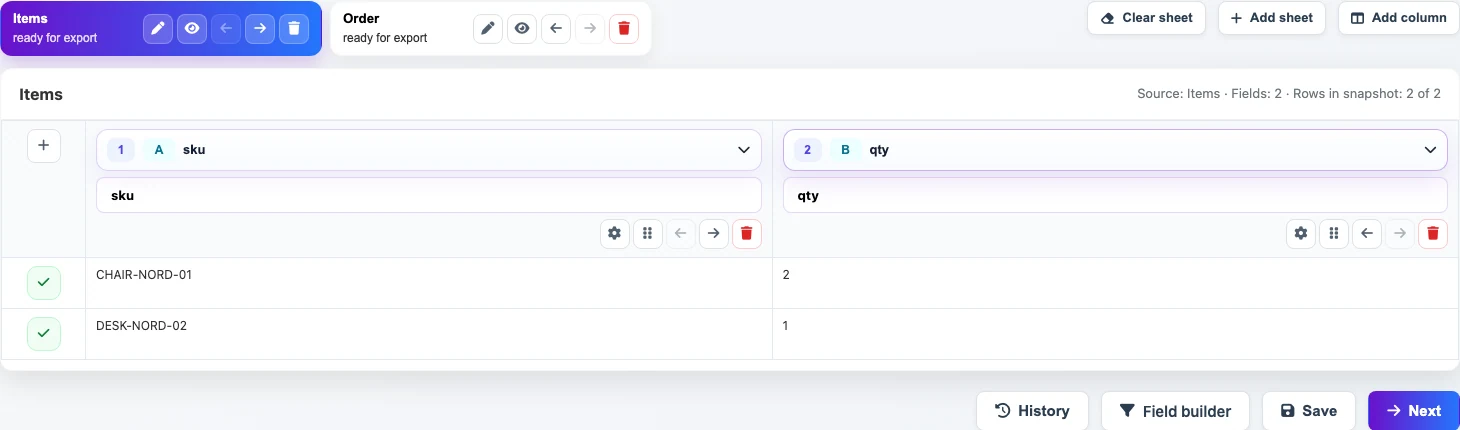
When Itemsis first, the CSV is built from array rows. - Save the template. On the final step, run the transformation.
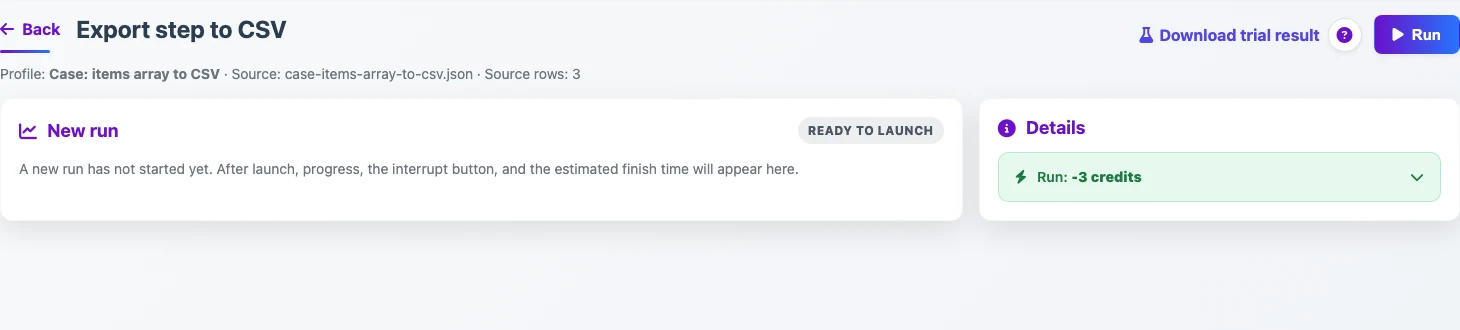
After saving the template, the final step starts the transformation.