
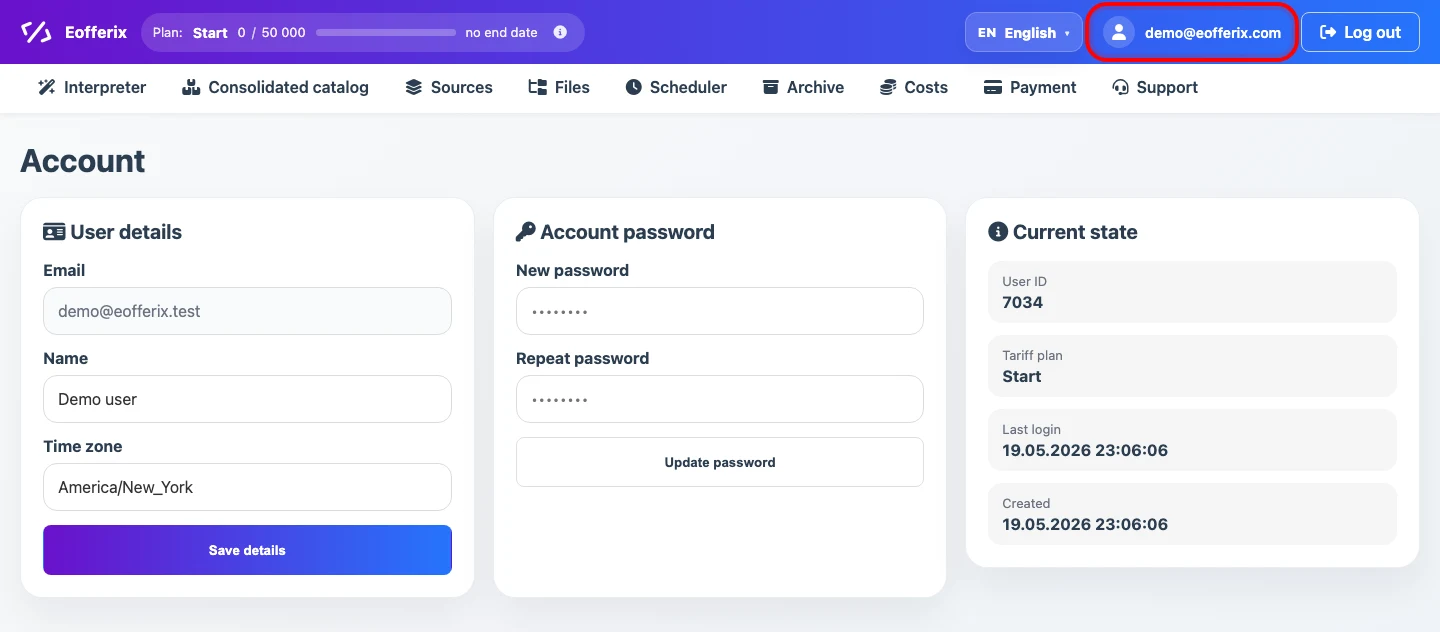
Account is the user settings page. The entry link is highlighted in the screenshot.
Account password
The Account password block sets a new password for signing in to the service. Enter the password, repeat it in the second field, and click Update password. The current interface requires at least 8 characters.
How timezone affects schedules
The timezone is used for autoruns of interpreter profiles and for source updates. The time you enter in a schedule is treated as local time in the selected timezone.
When a schedule is saved or recalculated, Eofferix converts local cron time to UTC and stores the next run in system time. For schedule setup, see Profile and Source Scheduler.