
Task
The source JSON uses keys product_id, product_name, stock_count, while the receiving system expects id, name, stock.
Short answer
On the future JSON setup screen, open the node settings and change the Node name field. The value stays the same; only the key name changes in the resulting JSON.
What matters for the result
- Renaming changes only the output key name; the value and source binding stay the same.
- If the value must move to another JSON location, adjust the output structure instead of only renaming the key.
- After running the transformation, verify that the output JSON does not contain both old and new keys with the same value.
Before / after
Before
JSON{
"product_id": "P-001",
"product_name": "Nordic desk",
"stock_count": 8
}After
JSON{
"id": "P-001",
"name": "Nordic desk",
"stock": 8
}How to do it in Eofferix
- Create an interpreter profile, upload the JSON, and choose
JSONas the result format. - After saving the profile, open the future JSON setup screen and click the source key
product_id.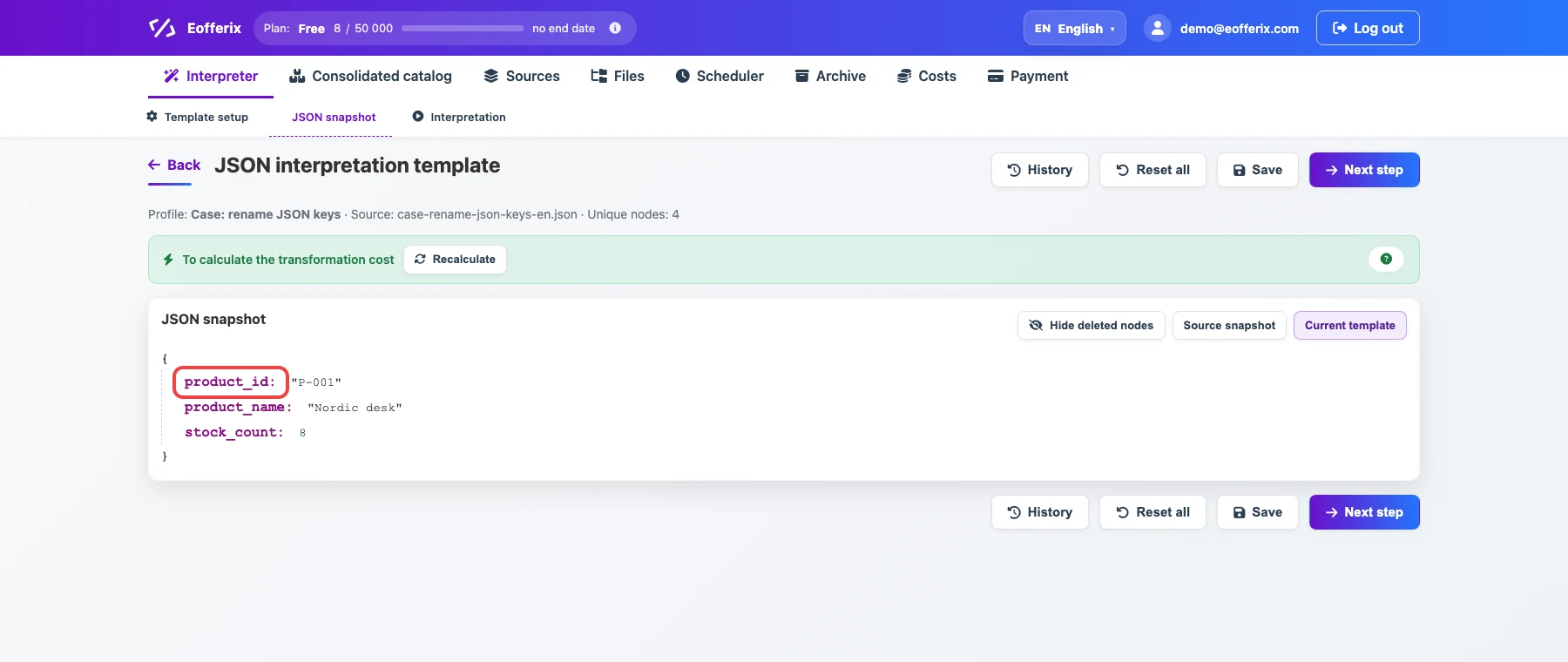
The red frame marks the product_idkey. Click this key to open the node settings. - In the settings window, enter
idin theNode namefield.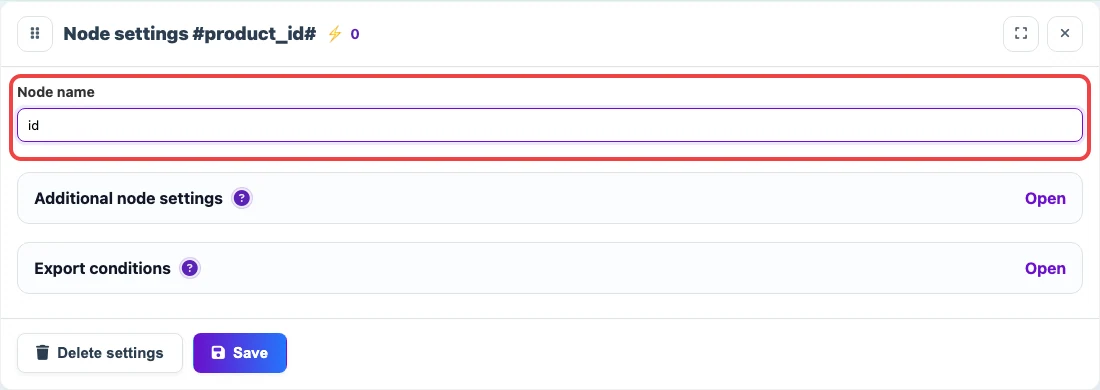
The Node namefield containsid. The key name changes, while the valueP-001stays unchanged. - Repeat the same action for
product_name→nameandstock_count→stock. - Save the template. On the final step, run the transformation.