
Task
Each JSON product has a barcodes array: an internal supplier code and EAN-13. The import needs only EAN-13.
Short answer
Open value inside barcodes and add a condition on neighboring type: regular expression ^ean13$ (matches a value that is exactly ean13).
How to do it in Eofferix
In the JSON snapshot, select
valueinside thebarcodesarray.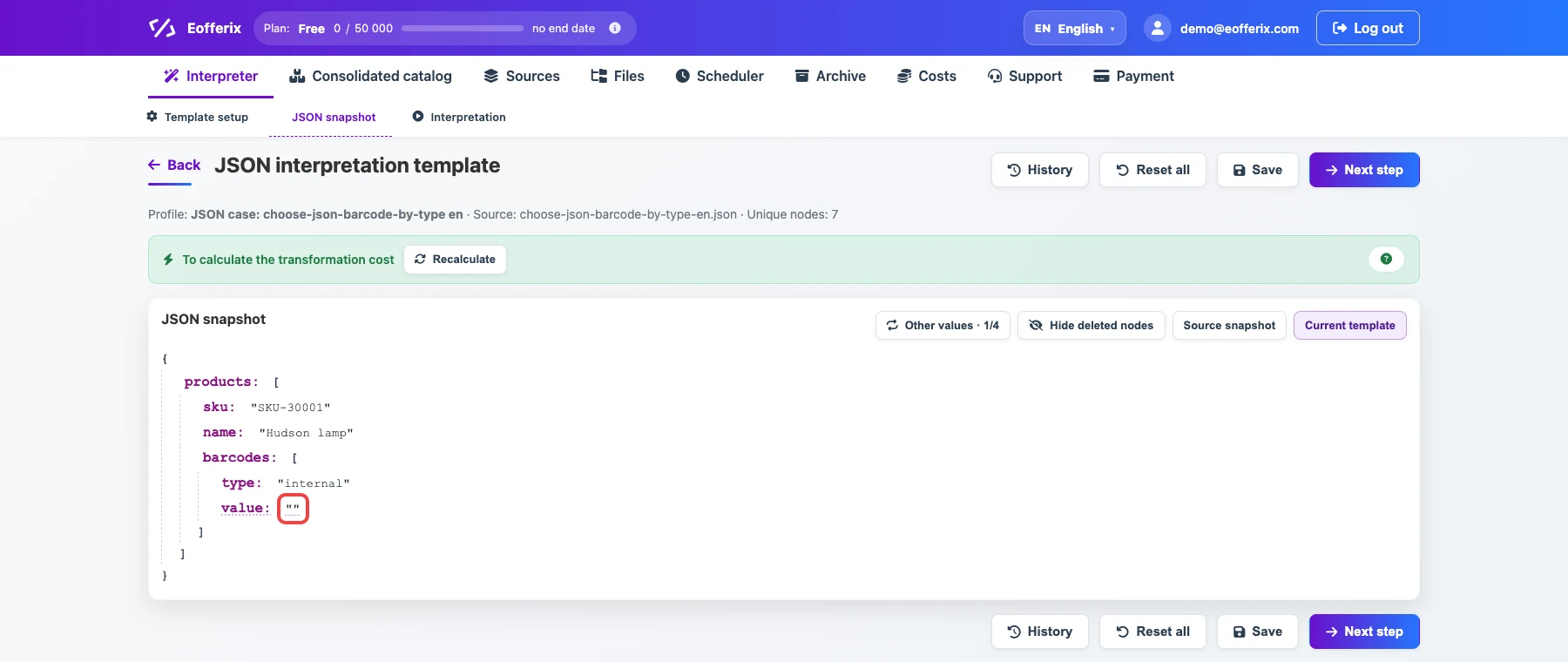
The selected field belongs to one array item. Open the value settings.

The animation shows opening the field settings. Option without a regular expression: add an export condition on neighboring
type-Equalsean13.
This makes Eofferix take valueonly from the array item with the EAN-13 barcode.Regular expression option: add an export condition on neighboring
type-Regular expression^ean13$(matches a value that is exactlyean13).
This is the strict version of the same check when the barcode type must match fully.
Before / after
Before
source data{
"products": [
{
"sku": "SKU-30001",
"name": "Hudson lamp",
"barcodes": [
{
"type": "internal",
"value": "LA-INT-001"
},
{
"type": "ean13",
"value": "4601234567890"
}
]
},
{
"sku": "SKU-30002",
"name": "Parker chair",
"barcodes": [
{
"type": "internal",
"value": "KR-INT-002"
},
{
"type": "ean13",
"value": "5901234123457"
}
]
}
]
}After
result{
"products": [
{
"sku": "SKU-30001",
"name": "Hudson lamp",
"barcode": "4601234567890"
},
{
"sku": "SKU-30002",
"name": "Parker chair",
"barcode": "5901234123457"
}
]
}