
Task
Inside products[].variants[], some JSON variants have an empty sku or empty price. The import should keep only complete variants.
Short answer
Open the sku value and add export conditions for the current variant: sku is not empty, and price matches [0-9]+(?:[,.][0-9]+)? (finds an integer or decimal number: one or more digits plus an optional decimal part after a dot or comma).
How to do it in Eofferix
In the JSON snapshot, select
skuinside thevariantsarray.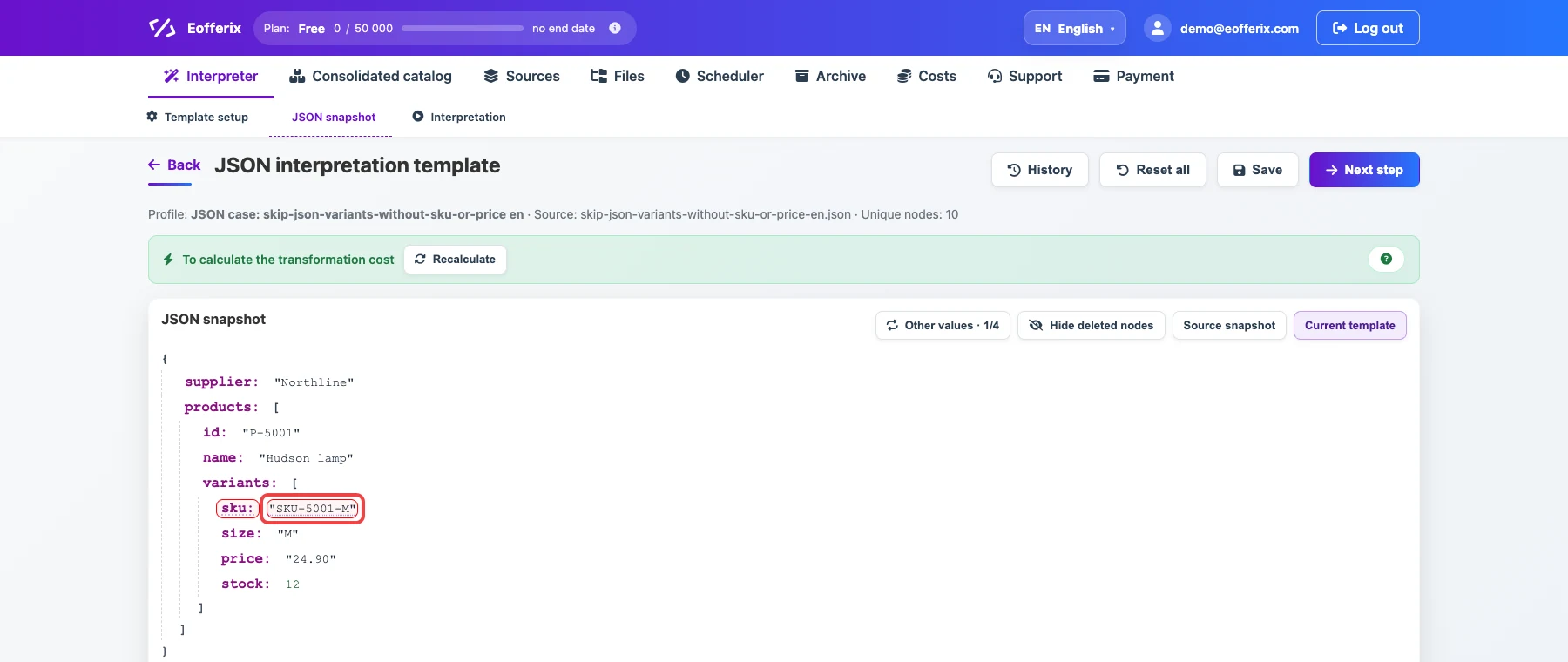
The selected field belongs to a repeated product variant. Open the value settings.

The animation shows opening settings for the variant field. Add two conditions:
skuis not empty andpricematches[0-9]+(?:[,.][0-9]+)?(finds an integer or decimal number: one or more digits plus an optional decimal part after a dot or comma).
The conditions remove incomplete variants before export.
Before / after
Before
source data{
"supplier": "Northline",
"products": [
{
"id": "P-5001",
"name": "Hudson lamp",
"variants": [
{
"sku": "SKU-5001-M",
"size": "M",
"price": "24.90",
"stock": 12
},
{
"sku": "",
"size": "L",
"price": "24.90",
"stock": 3
}
]
},
{
"id": "P-5002",
"name": "Parker chair",
"variants": [
{
"sku": "SKU-5002-M",
"size": "M",
"price": "",
"stock": 4
},
{
"sku": "SKU-5002-L",
"size": "L",
"price": "139.00",
"stock": 8
}
]
}
]
}After
result{
"supplier": "Northline",
"products": [
{
"id": "P-5001",
"name": "Hudson lamp",
"variants": [
{
"sku": "SKU-5001-M",
"size": "M",
"price": "24.90",
"stock": 12
}
]
},
{
"id": "P-5002",
"name": "Parker chair",
"variants": [
{
"sku": "SKU-5002-L",
"size": "L",
"price": "139.00",
"stock": 8
}
]
}
]
}