
The Yandex Disk source retrieves a file from Yandex Disk by public link or by private path with an OAuth token. It is useful when a supplier updates a file in cloud storage and Eofferix needs the current version before transformation.
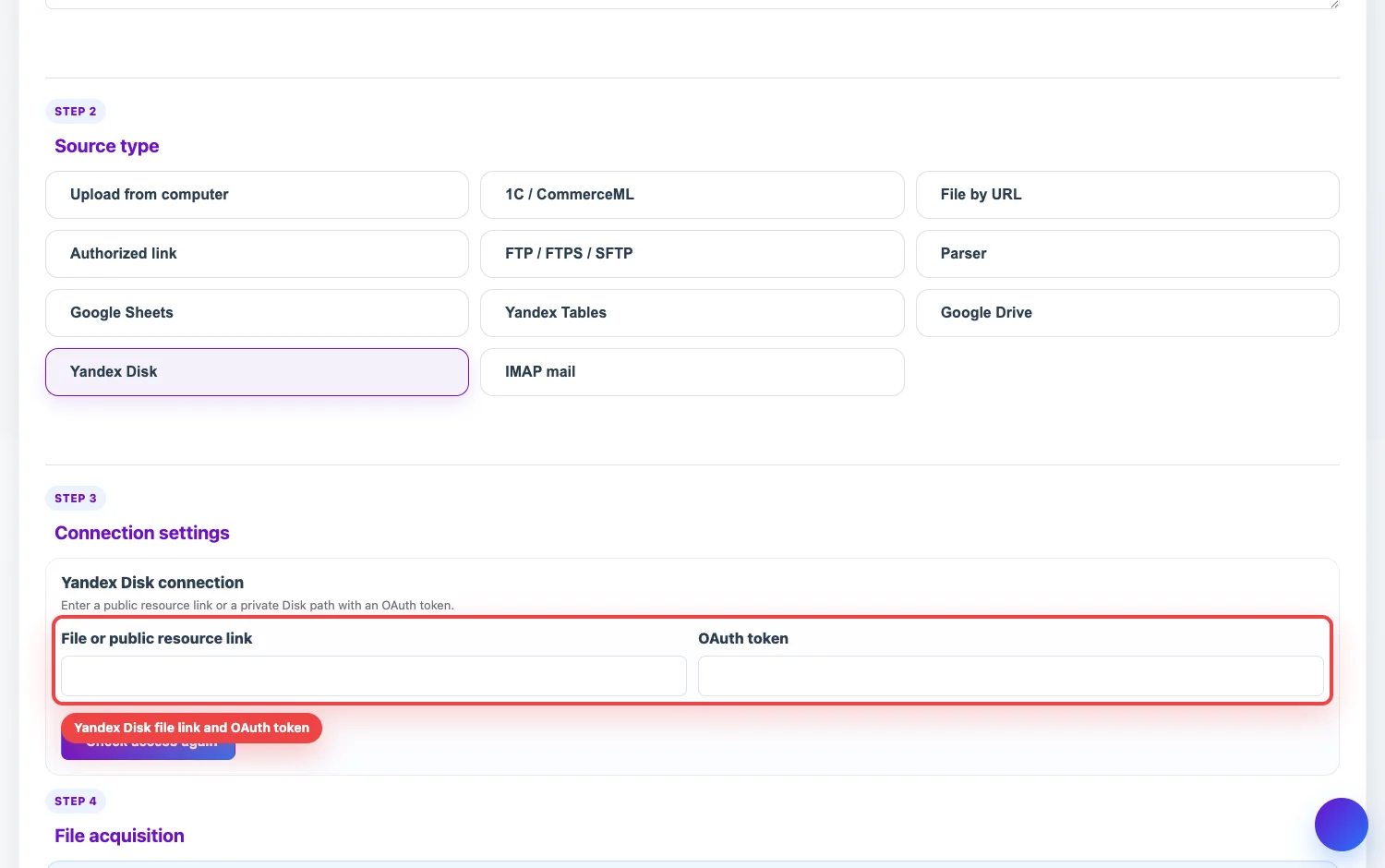
What to enter
- File or public resource link. Use a public link from the Share menu, a docs.360 view link with public access, or a path to a file on Yandex Disk.
- OAuth token. Required for a private path. Without a token, Eofferix can retrieve only public resources.
Public link
- Open the file in Yandex Disk and enable access by link.
- Copy the link from the sharing menu.
- In Eofferix, paste it into File or public resource link, save the source, and run a check or update.
Private path
If the file is not public by link, enter the Disk path, for example /exports/feed.xlsx or disk:/exports/feed.xlsx, and add a Yandex OAuth token. The token must belong to an account that has access to the file.
Editor link and file link
A link copied from the editing mode of Yandex Tables or documents is not always a downloadable file link. If Eofferix reports that an editor link was inserted, open the Share menu and copy a public view link. If you work specifically with a Yandex Table, you can use the dedicated Yandex Tables source.