
The Yandex Tables source is used when supplier data is maintained in Yandex Tables and Eofferix should retrieve it as the input file for a transformation. You can connect a public table by link or a private resource with an OAuth token.
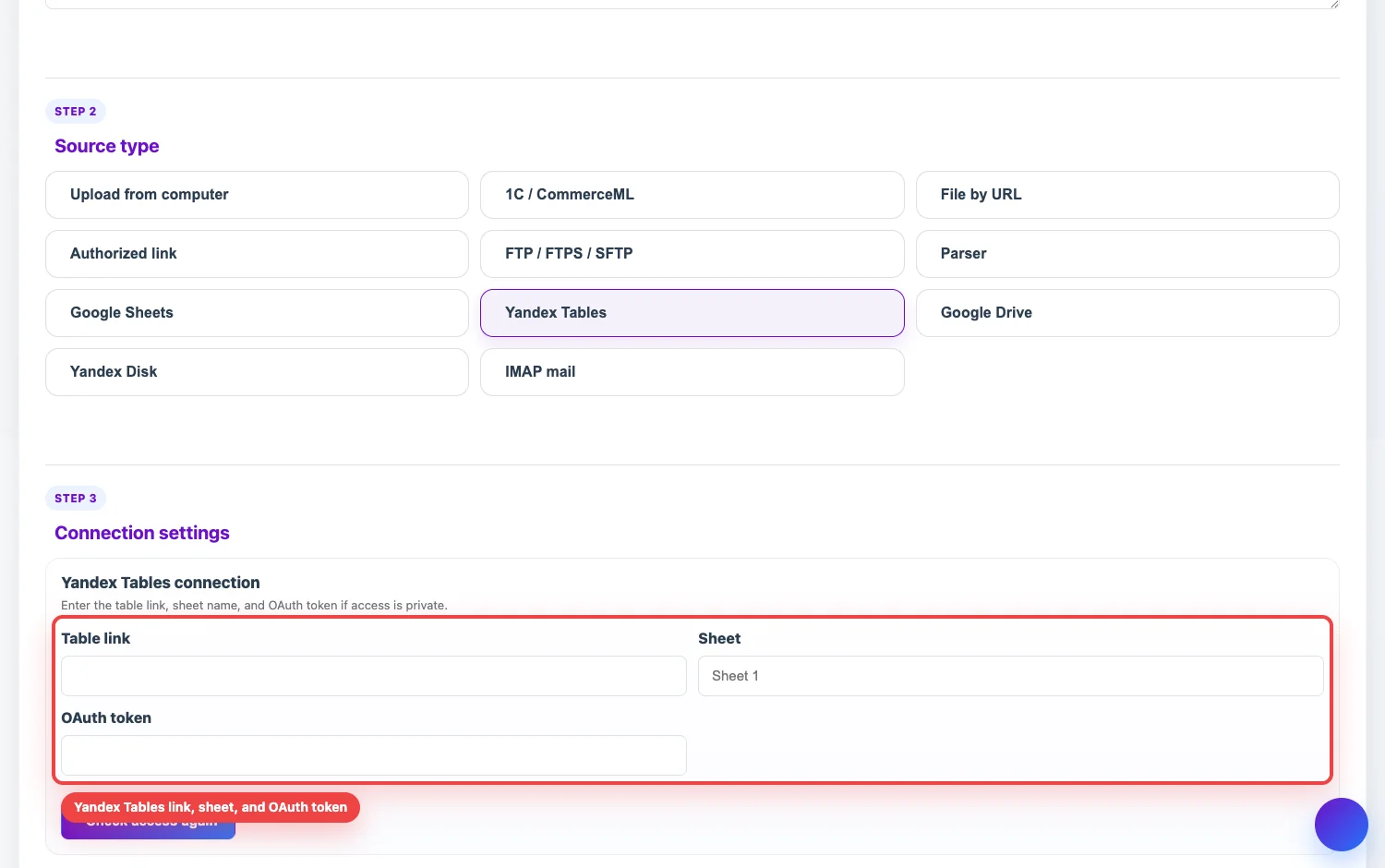
What to enter
- Table link. Paste a view link to the Yandex Table or a public Yandex Disk resource that can be downloaded as a table file.
- Sheet. Enter the sheet name you plan to work with. If the file has several sheets, check the active sheets later in the table preview and setup before transformation.
- OAuth token. Required for a private table or private resource. The token must allow read access to the table or file.
Public table
- Open the table in Yandex and enable view access by link.
- Copy the share link, not the browser address from edit mode.
- In Eofferix, create a Yandex Tables source, paste the link, and save the source.
- Run a check or source update to make sure the file is retrieved.
Private table
If the table is not public by link, add a Yandex OAuth token. The token is issued for an account that has access to the table and is used by Eofferix only to read the file during source updates.