
Eofferix sends final price, stock and image values to WooCommerce. Price display, store currency and storefront rules remain WooCommerce settings.
Prices
- Product price is written to the product when it is a simple product or the field is mapped to the parent product.
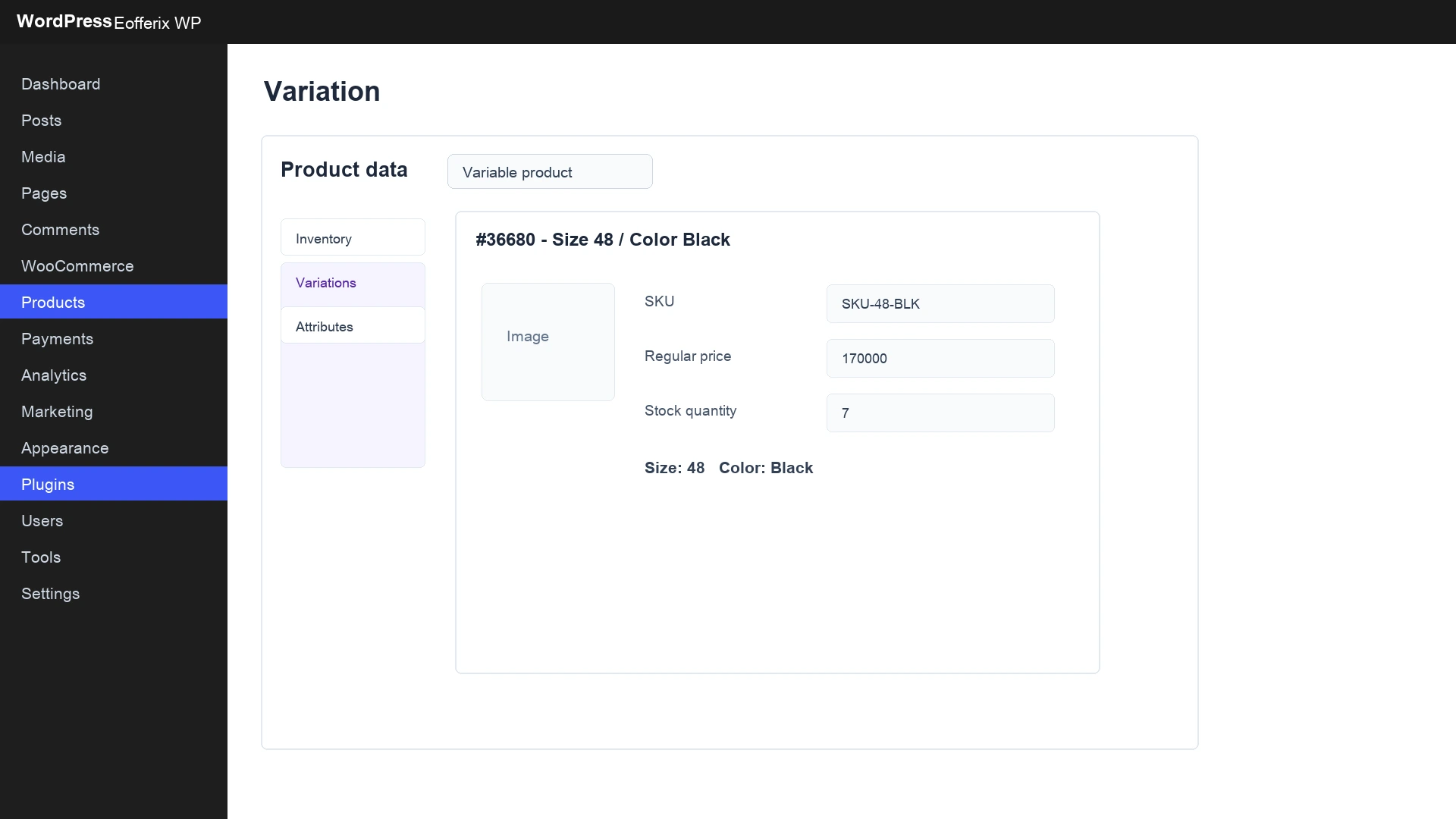
- Variation price is written to the concrete variation.
- If the source has several price fields, choose the needed one or build the final value in Eofferix.
- If the source has several currencies, choose or recalculate the required price before import.
- If price does not pass loading conditions, the object may be skipped.
| Source situation | Setup | WooCommerce result |
|---|---|---|
| Simple product without variations. | Map price to product. | The product page shows the price. |
| Product with size or color options. | Map price to offer / variation. | Each variation has its own price. |
| Retail and wholesale price exist. | Choose one field or calculate final price in Eofferix. | One final price value is sent to WooCommerce. |
| Import only prices above a threshold. | Add a condition, for example price greater than 100000. | Lower priced items are not sent. |
Stock
Variation stock is written to the variation. If size 48 is available and size 50 is sold out, those are different values on different variations.
Currencies
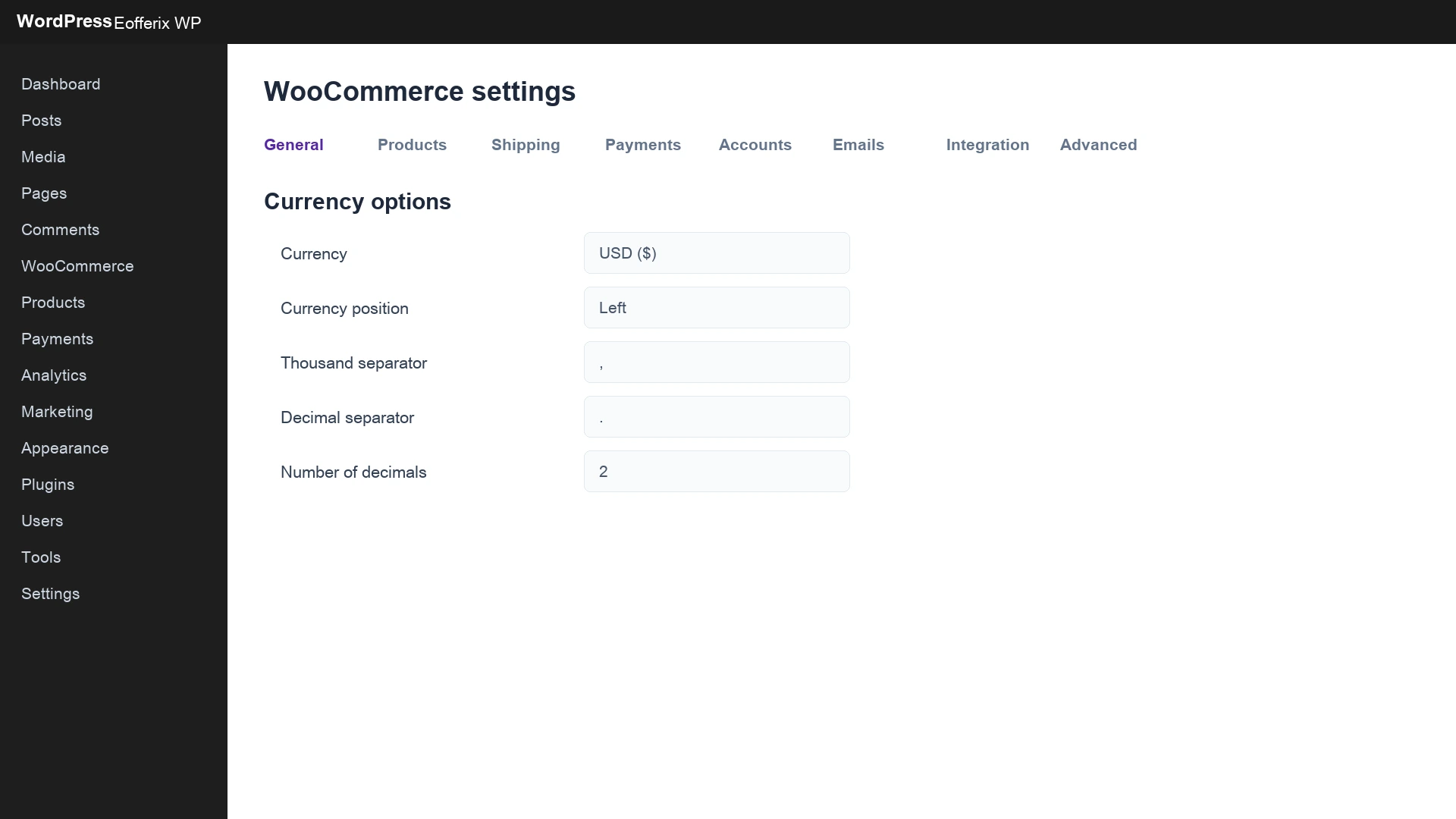
The main store currency is configured in WooCommerce. Eofferix does not switch the store currency or manage WooCommerce exchange rates. The service sends a number into the price field, and WooCommerce displays that number in the configured currency.
- Choose the main store currency in WooCommerce.
- In Eofferix choose a price field that already matches this currency or configure recalculation before sending.
- Run a test export and check the storefront price symbol.
- If a multi-currency WordPress plugin is used, check its rules separately.
What Eofferix does not change in WooCommerce
- Main store currency.
- Tax rates and tax zones.
- Payment and delivery methods.
- Rules of a separate multi-currency plugin.
- How the theme displays prices on the storefront.
Product images
A product can receive a main image and gallery. If the image was already uploaded and did not change, repeat import can reuse it instead of creating unnecessary duplicates.
Variation images
WooCommerce supports an image for a concrete variation. It is uploaded when the source has an image for that variation and the user maps the field as a variation image.
Images from 1C archives
In CommerceML the XML may contain an image path while the actual file is stored in the 1C exchange archive. Eofferix finds such files in the archive, prepares them and passes them to WooCommerce. If the file is missing, the report should show a data warning, not a plugin error.
| Source data | Expected result |
|---|---|
| XML has an image path and the file exists in the 1C archive. | Eofferix finds the file and sends it to WooCommerce. |
| XML has a path but the archive has no file. | The report shows a missing image warning. |
| Product has a general image. | The image is written to the product. |
| Offer has its own image. | The image is written to the variation if mapped as a variation image. |
| Repeat import without changes. | Images are reused without extra duplicates. |
If an image did not appear
- Check that the image field is mapped in the Eofferix template.
- Check that the file exists in the source or 1C archive.
- Check whether the site blocks images by size, type or uploads permissions.
- Open the run report: a missing file should be a data warning, not an installation error.
What to check after import
- The product has a main image if it was present in the source.
- The variation has its own image if it was mapped.
- Variation price and stock differ where expected.
- The storefront currency matches WooCommerce settings.
- Repeat import without changes does not create duplicate images.
