
Eofferix separates catalog objects by role. A category is written to a category, a product to the parent product card, and an offer / trade offer to a WooCommerce variation. Properties are written to the level selected by the user.
Categories
Categories can be nested. If no separate category identification field is selected, categories are matched by their full path after transformations, for example Clothing / Men / Pants, not only by the last name.
Products
- The product stores the parent title, description, categories and product-level attributes.
- Product stock and price are written to the product only when the source describes a simple product or the field is explicitly mapped to the product.
- Synthetic values like
eofferix-*are not written as SKU by default.
Variations
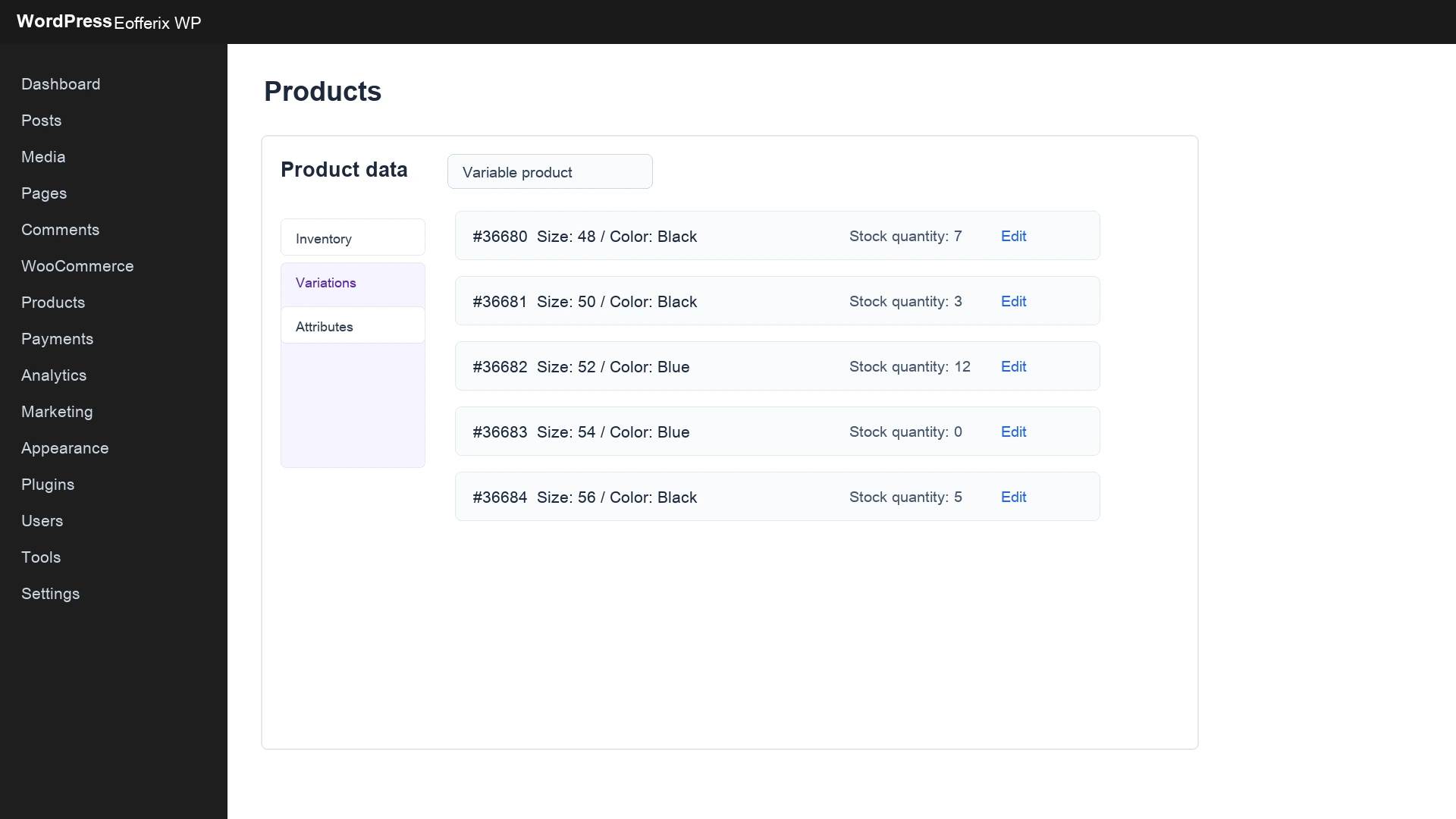
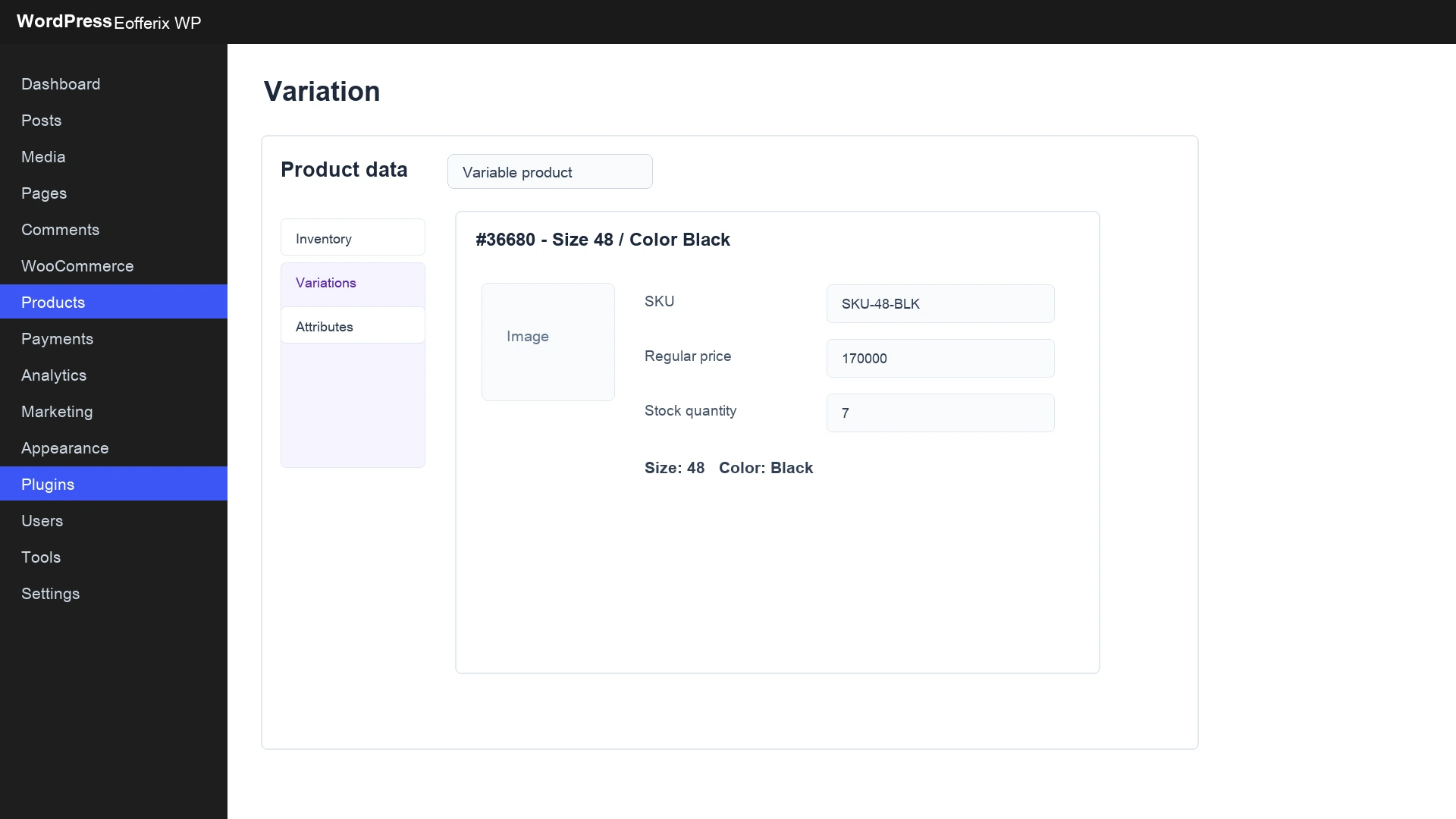
A WooCommerce variation can have several parameters at once, for example size 48, color black, price 170000 and stock 7. Price and stock are stored separately for each variation.
Attributes and values
WooCommerce uses attributes and values for variation parameters, for example the Size attribute with values 46, 48, and 50. If the required attribute or value does not exist, the plugin can create it during import. On a repeated import, it is reused when one compatible attribute or value can be identified unambiguously.
Automatic WooCommerce cleanup can separately process products, variations, categories, and images. Global WooCommerce attributes and their values are not deleted or unlinked when they disappear from a later source: Eofferix retains the mapping and reuses it when one compatible attribute or value can be identified unambiguously.
How to see that import is configured incorrectly
| What you see in WooCommerce | What to check in Eofferix |
|---|---|
| Many identical products appeared. | Product identification field: SKU, external ID or another stable key. |
| Variations exist but show "any" values. | Variation attributes and the flag that the attribute is used for variations. |
| Price is on the product but not on variations. | The price field is mapped to product instead of offer / variation. |
| All variants have the same stock. | The stock field is mapped at the wrong level. |
| Variation images are missing. | The image field is mapped to product instead of variation, or the file is absent in the source. |
What to check in WooCommerce admin
- Open the created product in WordPress Products.
- Check that the variable product contains real source variations.
- Check that variations have concrete values, such as size and color.
- Check price and stock of a concrete variation.
- Check that product attributes and variation attributes are not mixed.
- Repeat the import without changes and make sure duplicates do not appear.